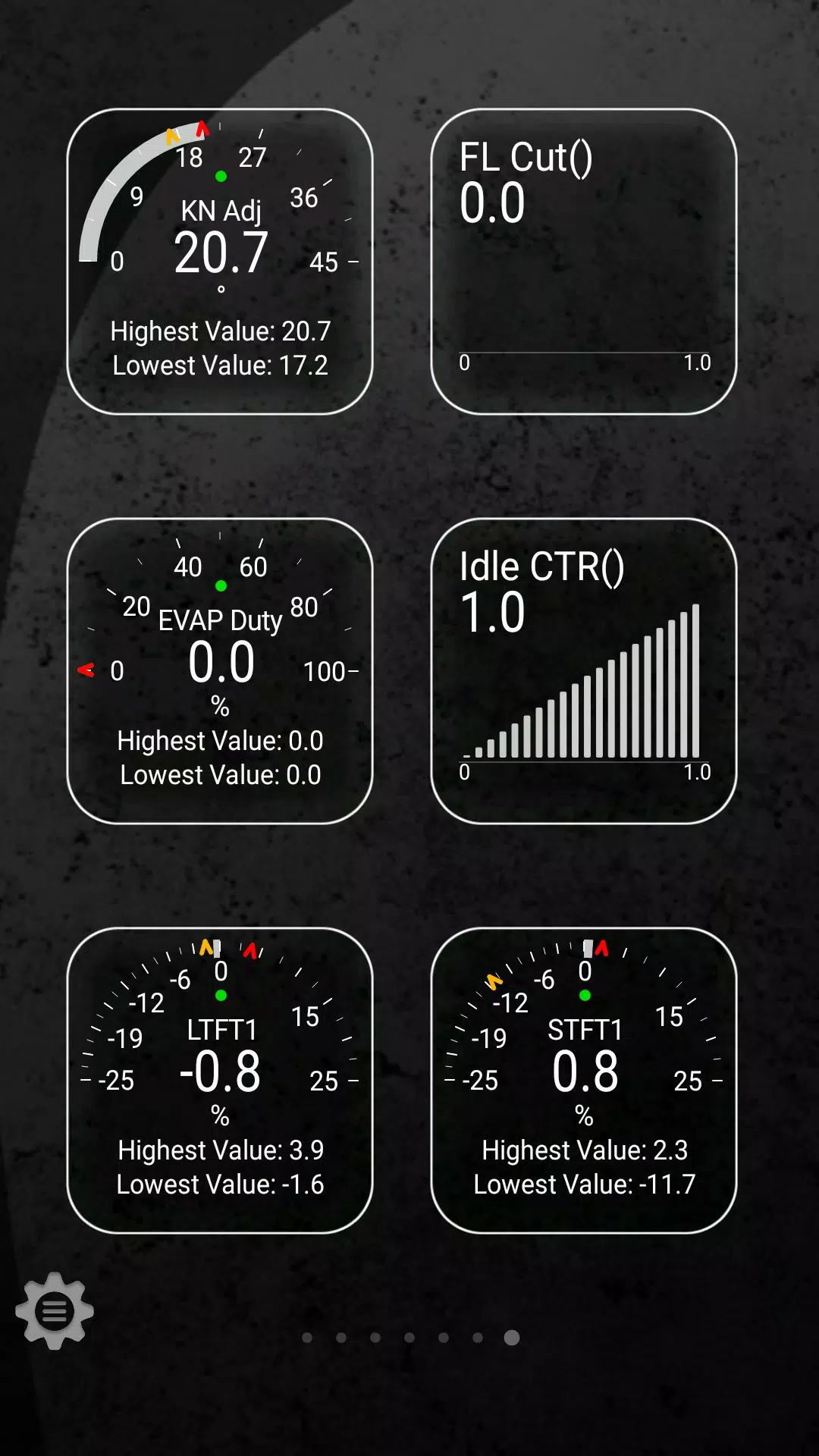
Monitor specific TOYOTA parameters by enhancing your Torque Pro app with the Advanced LT plugin. This tool allows you to access real-time data from your TOYOTA's engine and automatic transmission, giving you insights into advanced sensor information that can help you optimize your vehicle's performance.
Advanced LT is designed as an extension for Torque Pro, expanding its PID/Sensor capabilities with a focus on TOYOTA vehicles. You can test the plugin with a limited set of sensors before deciding to purchase the full version. Please note that this version does not include calculated sensors such as Injector Duty Cycle.
Important: While the plugin may work with other TOYOTA models and engines, it has been specifically tested on the following:
- Avensis 1.8/2.0 (T270)
- Corolla 1.8/2.0 (E140/E150)
- Corolla 1.6/1.8 (E160/E170)
- Camry 2.4/2.5 (XV40)
- Camry 2.0/2.5 (XV50)
- Highlander 2.7 (XU40)
- Highlander 2.0/2.7 (XU50)
- RAV4 2.0/2.5 (XA30)
- RAV4 2.0/2.5 (XA40)
- Verso 1.6/1.8 (R20)
- Yaris 1.4/1.6 (XP90)
- Yaris 1.3/1.5 (XP130)
Additionally, the plugin features an ECU Scanner, which is invaluable for identifying sensors on TOYOTA engines not yet supported by the plugin. To utilize this feature, you'll need to record at least 1000 samples and send the logs to the developer for further analysis.
To use Advanced LT, you must have the latest version of Torque Pro installed. This plugin is not a standalone application and requires Torque Pro to operate.
Plugin Installation Steps:
- After purchasing the plugin on Google Play, ensure it appears in your Android device's list of installed applications.
- Open Torque Pro and tap on the "Advanced LT" icon.
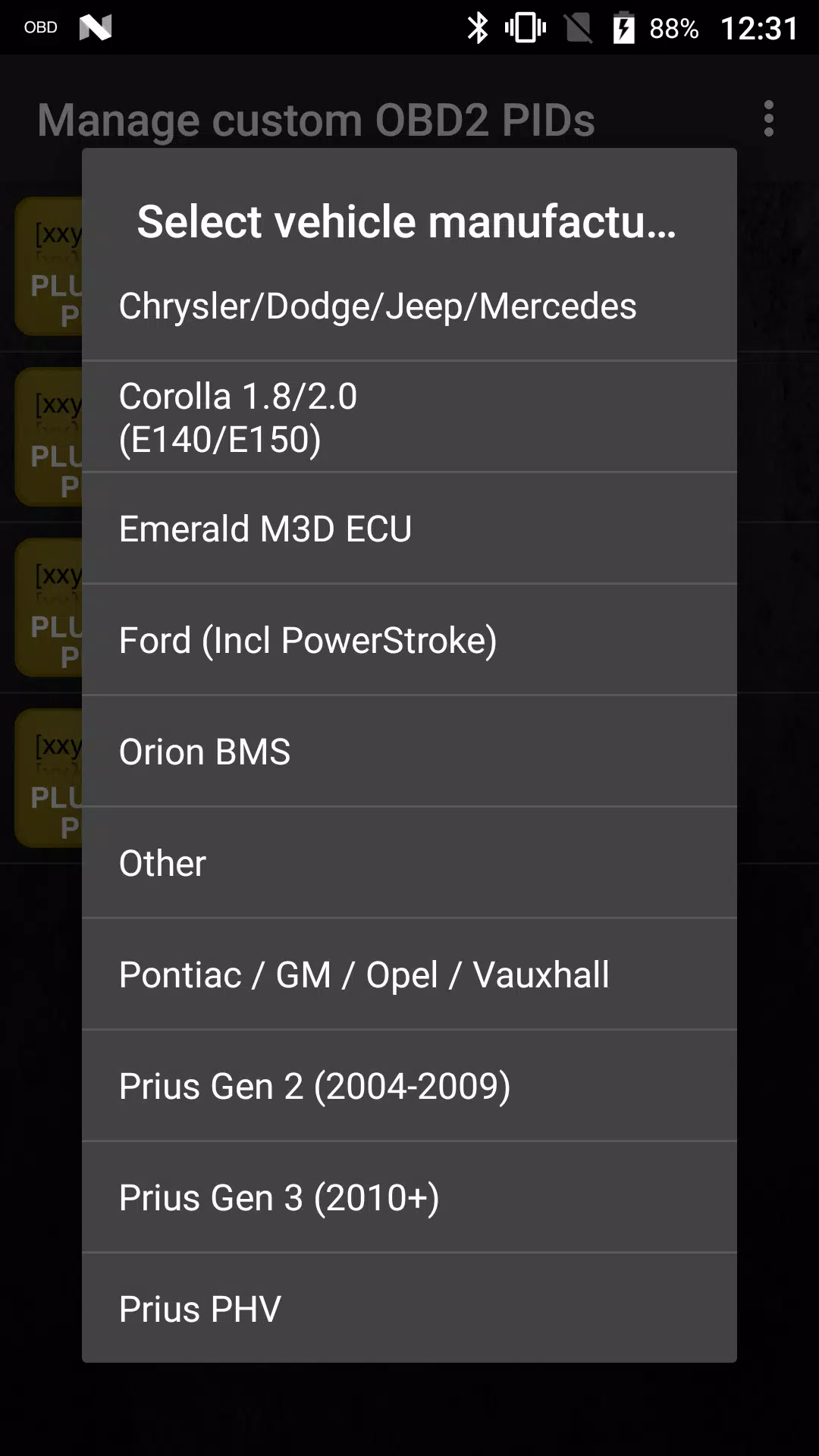
- Choose the correct engine type and return to the Torque Pro main screen.
- Navigate to Torque Pro's "Settings".
- Confirm the plugin is listed under "Settings" > "Plugins" > "Installed Plugins".
- Scroll to "Manage extra PIDs/Sensors".
- Typically, this section is empty unless you've previously added pre-defined or custom PIDs.
- From the menu, select "Add predefined set".
- Be sure to pick the correct set for your TOYOTA engine type.
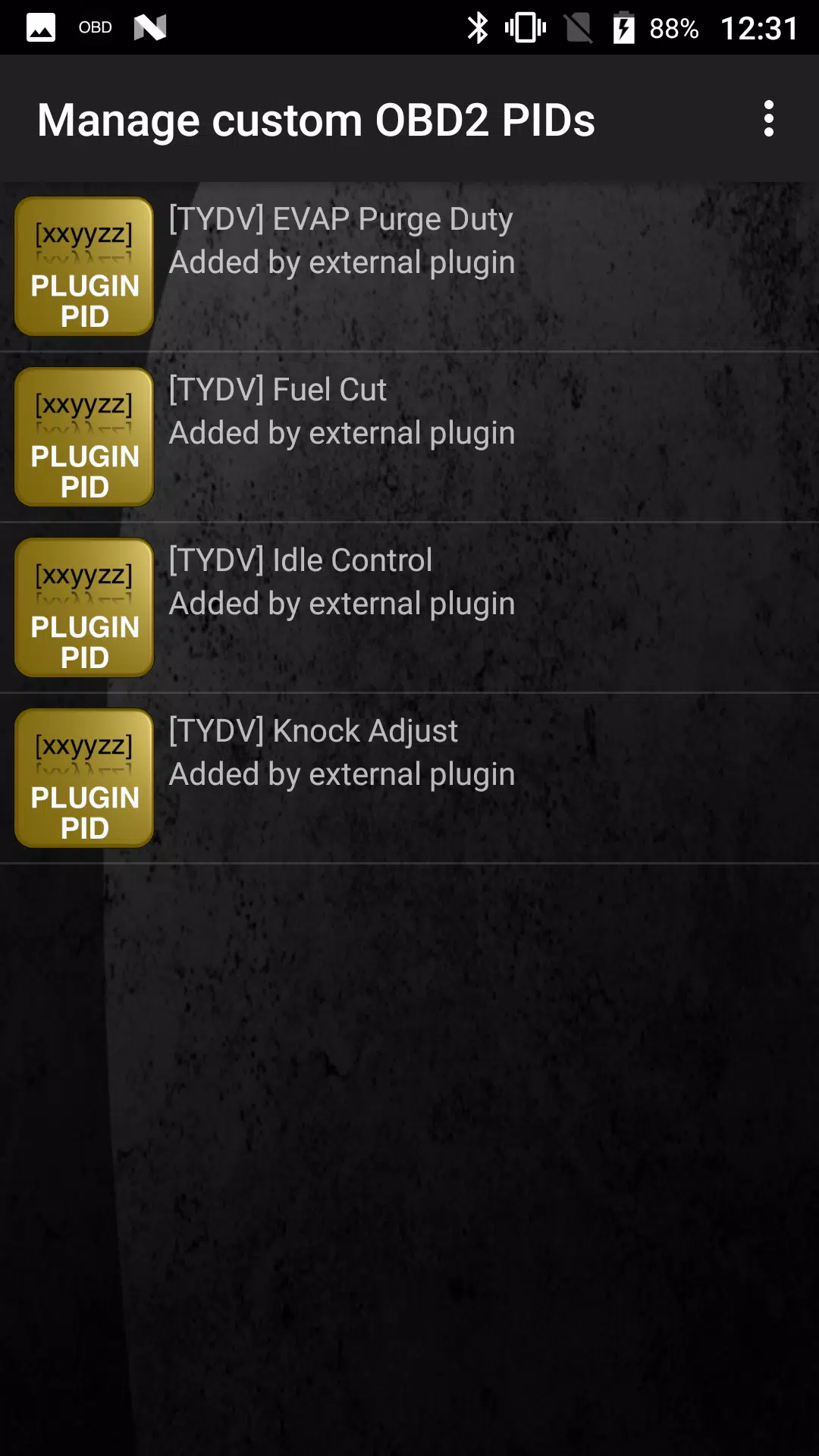
- After selecting, you should see new entries in the Extra PIDs/Sensors list.
Adding Displays:
- Once you've added the new sensors, go to the Realtime Information/Dashboard.
- Press the menu key and then tap "Add Display".
- Choose your preferred display type (Dial, Bar, Graph, Digital Display, etc.).
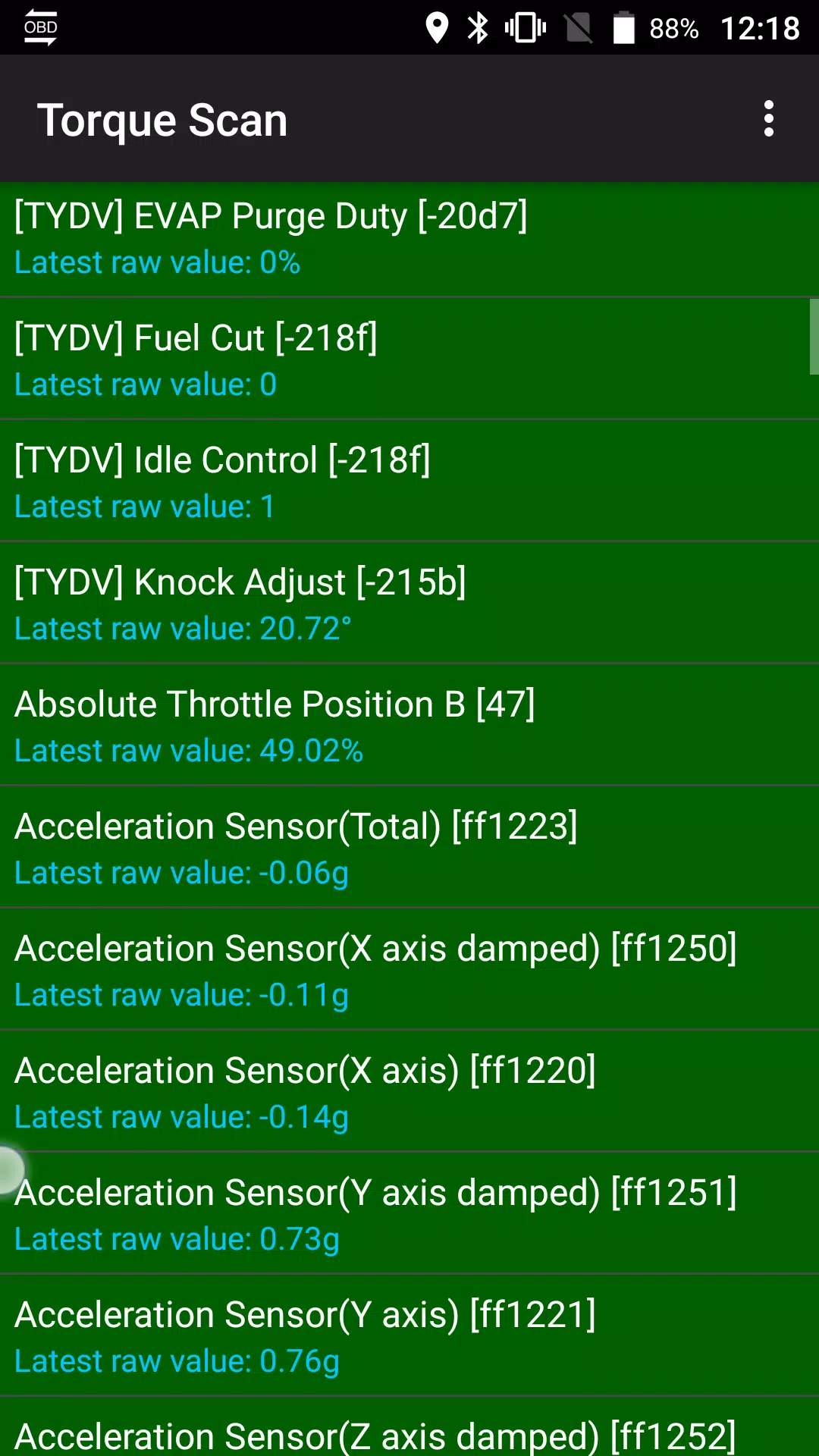
- Select the appropriate sensor from the list. Sensors from Advanced LT are marked with "[TYDV]" and should appear near the top, right after the time sensors.
Future updates will include additional features and parameters. If you have any feedback or suggestions, please feel free to share them with us.