Chat in Minecraft serves as a vital communication tool, enabling players to connect, coordinate actions, exchange resources, engage in role-playing, and manage game processes. It also allows the server to send system messages, issue warnings, distribute rewards, and notify players about updates.
Table of Contents
- How to open the chat and use commands
- Communication on the server
- Frequently asked questions and errors
- Text formatting
- System messages
- Useful commands
- Chat settings
- Differences between Java and Bedrock Edition
- Chat on custom servers
How to open the chat and use commands
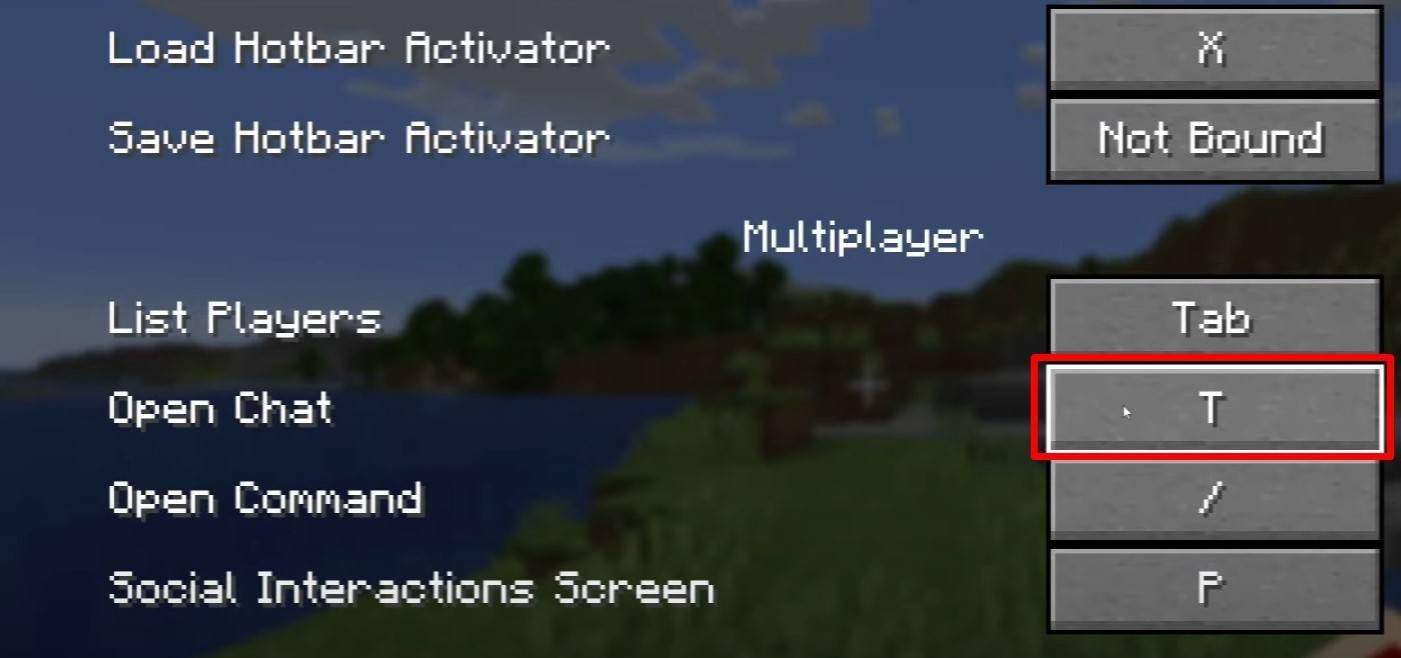 Image: youtube.com
To initiate chat in Minecraft, simply press the 'T' key on your keyboard. This action will bring up a text field where you can type your message and hit 'Enter' to send it. If your message begins with a '/', it becomes a command, such as:
- '/tp' — teleport to another player;
- '/spawn' — teleport to the spawn point;
- '/home' — return to your designated home;
- '/help' — display a list of available commands.
In single-player mode, these commands are only executable with cheats enabled. On servers, their availability is contingent upon the permissions granted to your player account.
Also read: Take charge of Minecraft: a deep dive into commands
Communication on the server
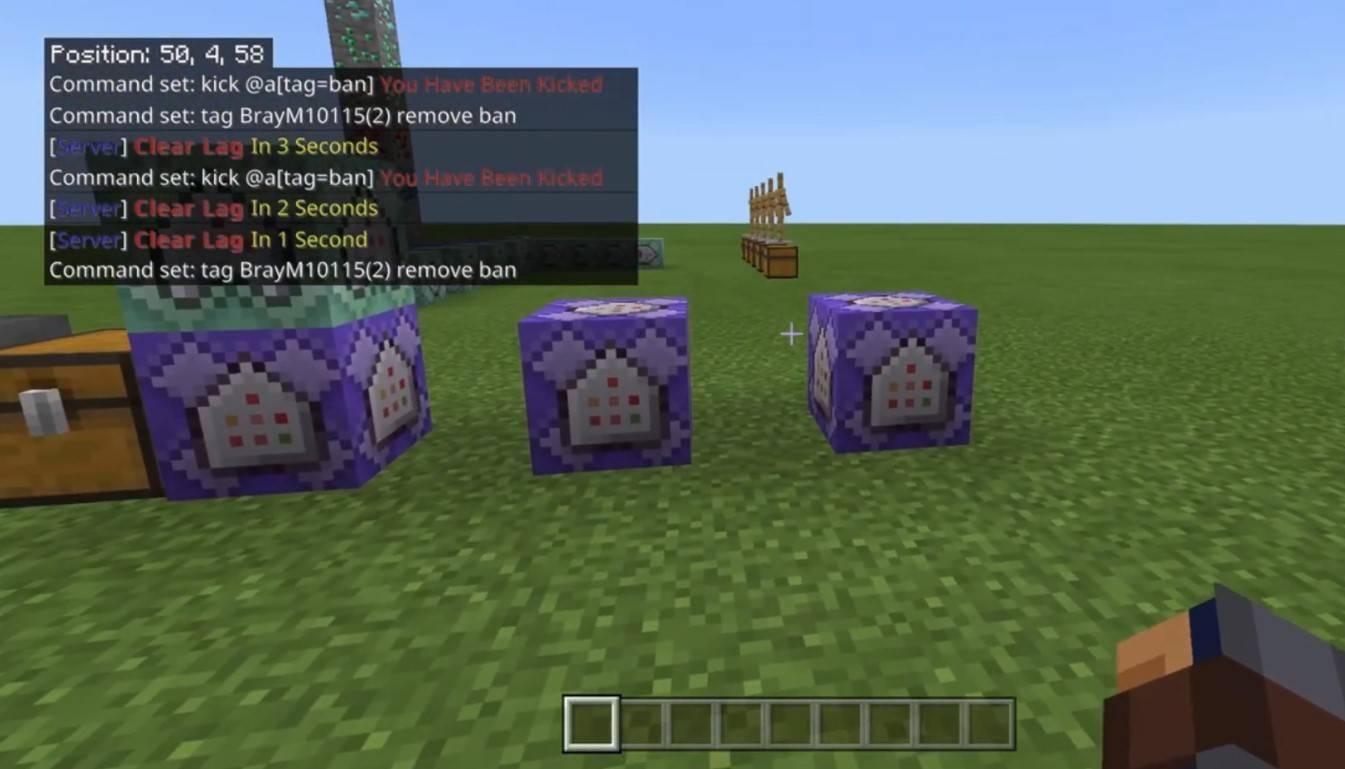 Image: youtube.com
Server communication in Minecraft can take various forms. The most common is the general chat, where messages are visible to all players. For private communication, the '/msg' command allows you to send messages visible only to the intended recipient. Some servers feature group or team chats, accessible through commands like '/partychat' or '/teammsg'. Additionally, servers may distinguish between global and local chats; the former reaches all players, while the latter is restricted to a certain radius of blocks.
Player roles on the server come with varying levels of chat privileges. Regular players can typically use the chat and basic commands, whereas moderators and administrators have the authority to mute or ban players. Muting prevents a player from sending messages, and banning stops them from accessing the server altogether.
Frequently asked questions and errors
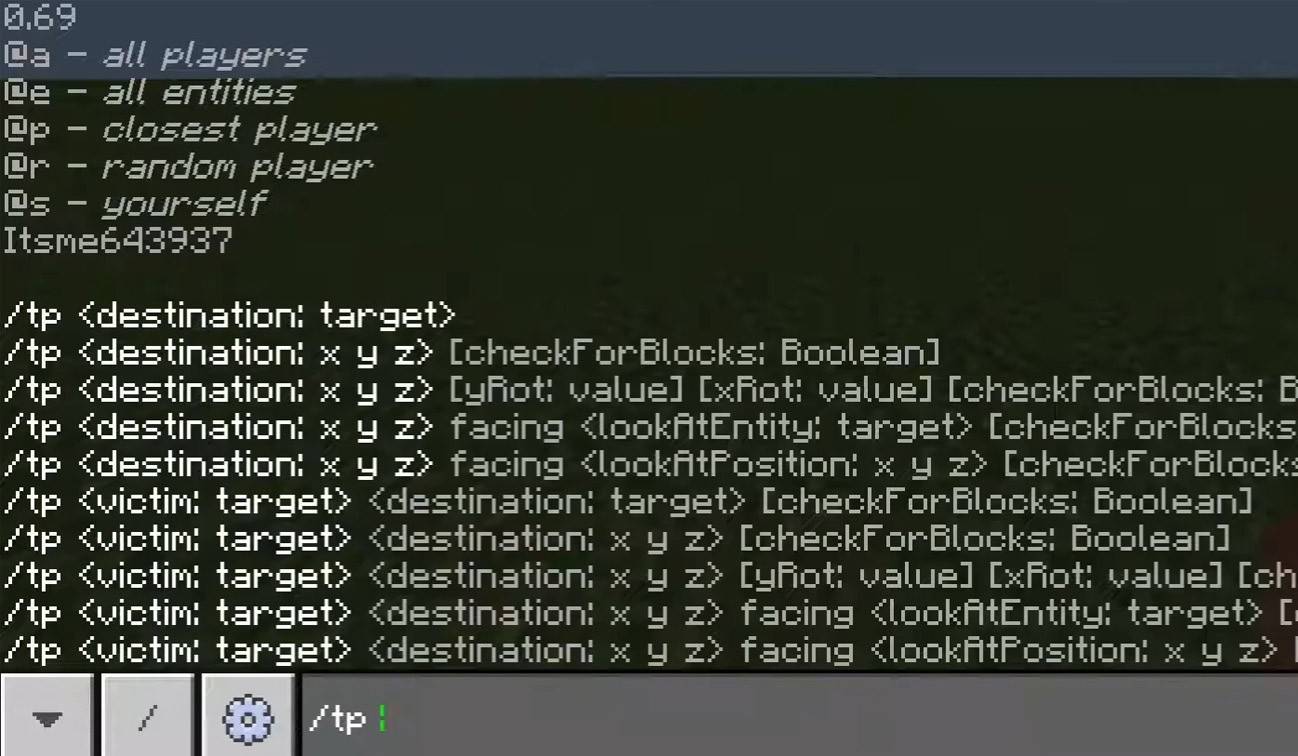 Image: youtube.com
- "Chat won’t open" — Consider changing the key binding in the control settings.
- "I can't write in chat" — You may be muted, or chat might be disabled in your game settings.
- "Commands aren’t working" — Ensure you have the necessary permissions on the server.
- "How to hide the chat?" — You can disable it in the settings or use the '/togglechat' command.
Text formatting
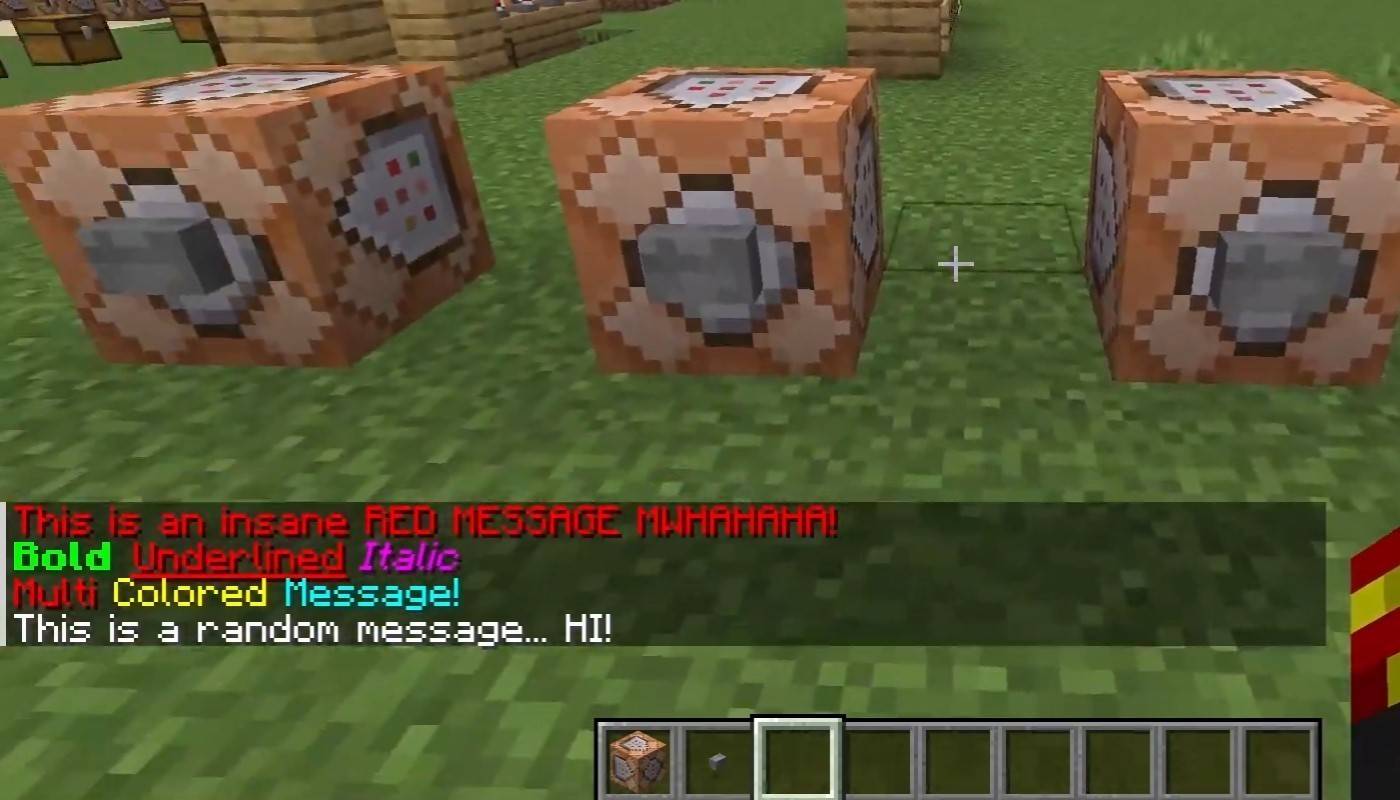 Image: youtube.com
For servers that support text formatting, you can use specific codes to stylize your messages:
- '&l' — bold text;
- '&o' — italic;
- '&n' — underlined;
- '&m' — strikethrough;
- '&r' — reset formatting.
System messages
The chat interface in Minecraft displays a variety of system messages, including player join and leave notifications, achievement announcements, such as "Player has obtained a diamond pickaxe", server announcements about news, events, and updates, as well as command errors, like "You do not have permission". Additionally, it can show executed command results and game status notifications. Administrators and moderators can utilize the chat to communicate important updates or server rules to players.
Useful commands
- '/ignore' — block messages from a specific player;
- '/unignore' — remove a player from your ignore list;
- '/chatslow' — implement a delay on message sending to slow down the chat;
- '/chatlock' — temporarily disable the chat.
Chat settings
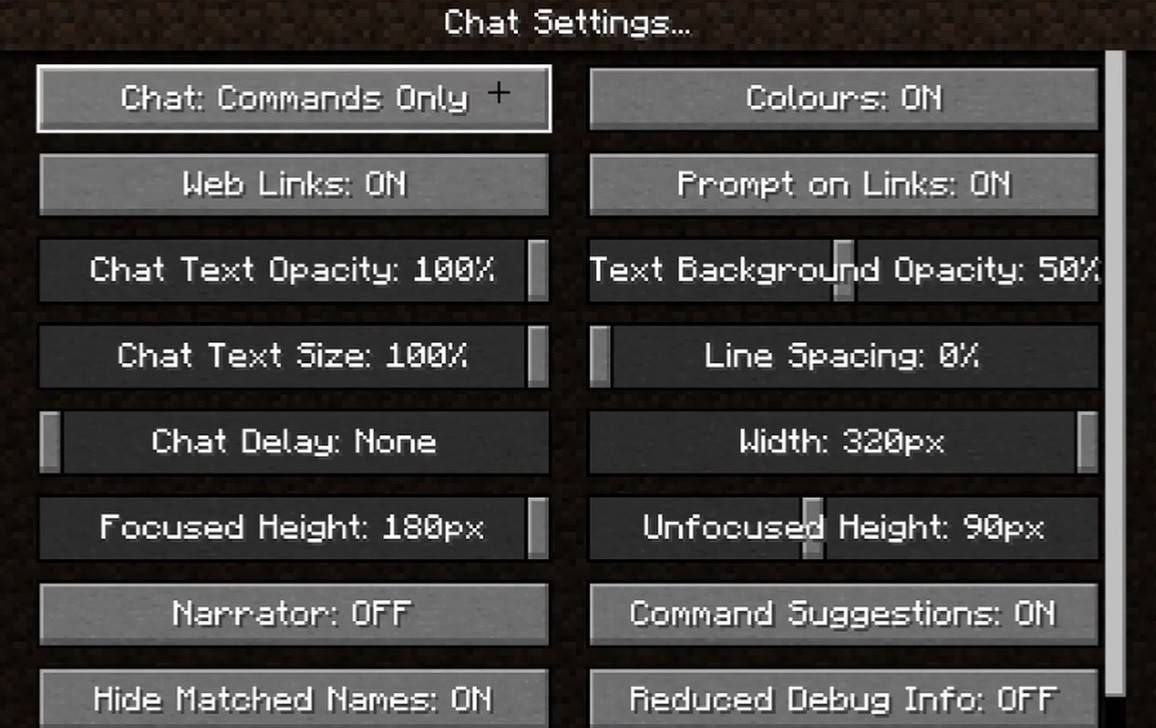 Image: youtube.com
Within the "Chat and Commands" menu, you can customize your chat experience by enabling or disabling the chat, adjusting font size and background transparency, and setting up the profanity filter (in Bedrock Edition). You can also tweak the display of command messages and alter text colors. Some versions offer options to filter chats by message type, enhancing the overall user experience.
Differences between Java and Bedrock Edition
There are slight variations in commands between Bedrock and Java Editions. For instance, the '/tellraw' command functions differently in Bedrock Edition. In newer Java Edition versions, Mojang has implemented message filtering and a confirmation requirement for sending messages, adding layers of control and security to the chat experience.
Chat on custom servers
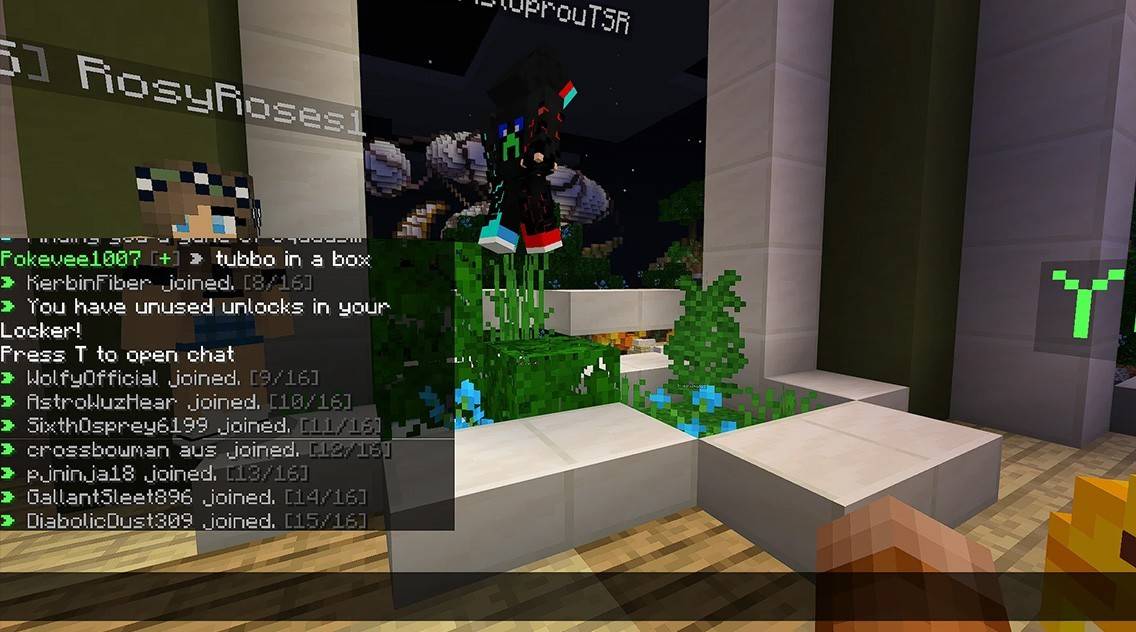 Image: youtube.com
Custom servers often employ auto-announcements to remind players of rules, events, and other pertinent information. Message filters are commonly used to prevent spam, advertisements, profanity, and insults. Larger servers may offer additional specialized chats, such as trade, clan, or faction channels, enhancing the community and gameplay experience.
Chat in Minecraft not only facilitates communication but also enhances gameplay management. With its high level of customization, numerous commands, and user-friendly features, understanding the basics of chat can greatly improve your interaction with other players and maximize the utility of this powerful tool.