This guide details how to install and configure EmuDeck on your Steam Deck to play Game Gear games, optimizing performance and addressing common issues.
Quick Links
- Before Installing EmuDeck
- Installing EmuDeck on the Steam Deck
- Transferring Game Gear ROMs and Using Steam ROM Manager
- Fixing Missing Artwork in EmuDeck
- Playing Game Gear Games on the Steam Deck
- Installing Decky Loader on the Steam Deck
- Installing the Power Tools Plugin
- Troubleshooting Decky Loader After a Steam Deck Update
The Sega Game Gear, a pioneering handheld console, finds a new home on the Steam Deck thanks to EmuDeck. This guide ensures optimal performance and addresses potential issues. EmuDeck developers now recommend Power Tools via Decky Loader for peak performance.
Before Installing EmuDeck
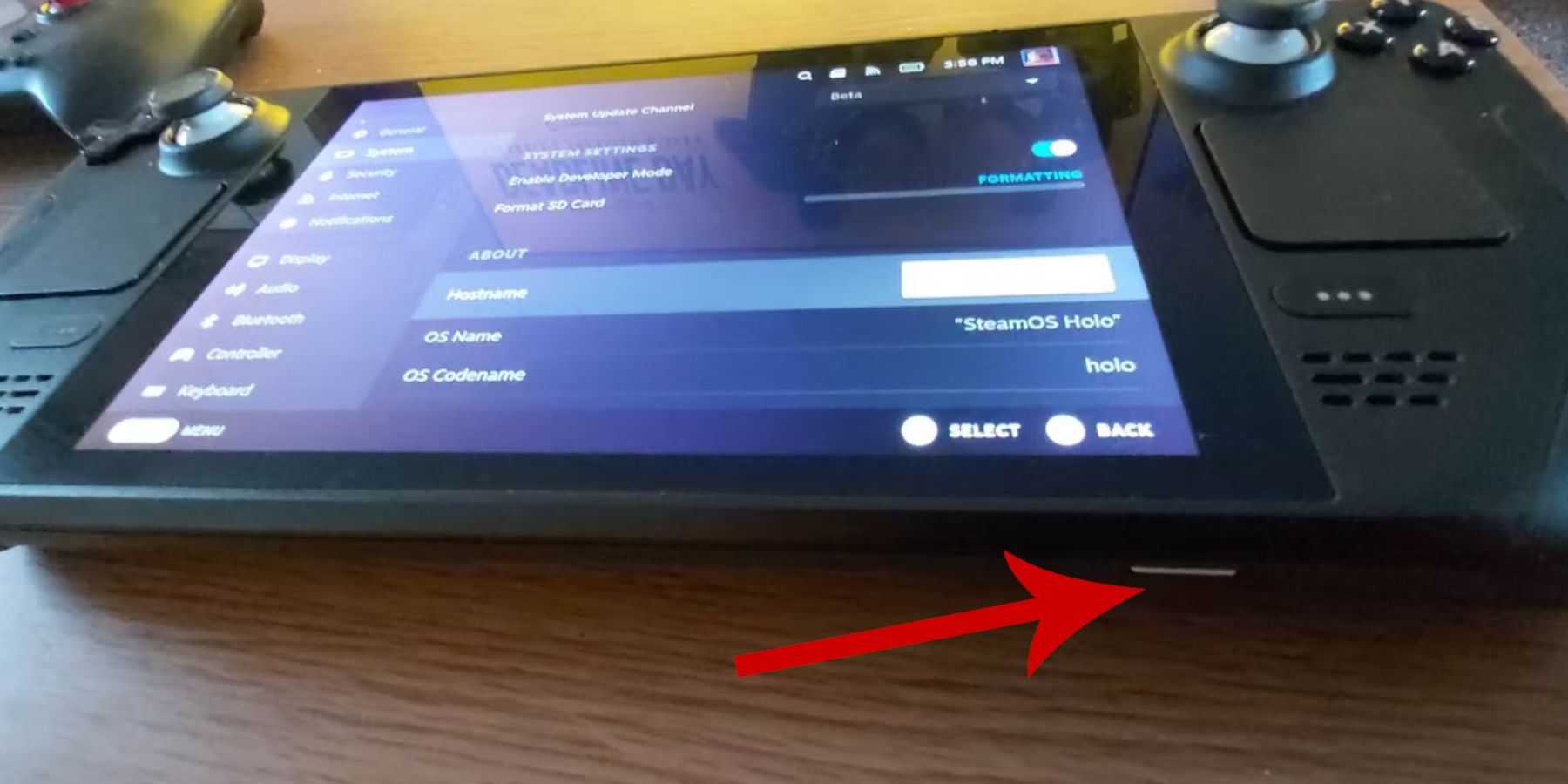 Prepare your Steam Deck:
Enable Developer Mode: Navigate to Steam > System > System Settings > Enable Developer Mode. Restart your Steam Deck after enabling CEF Remote Debugging in the Developer menu.
Recommended Items: An A2 microSD card (or external HDD with dock) for storing ROMs and emulators is crucial. A keyboard and mouse simplify file transfers and artwork management. Remember to legally obtain your Game Gear ROMs.
Installing EmuDeck on the Steam Deck
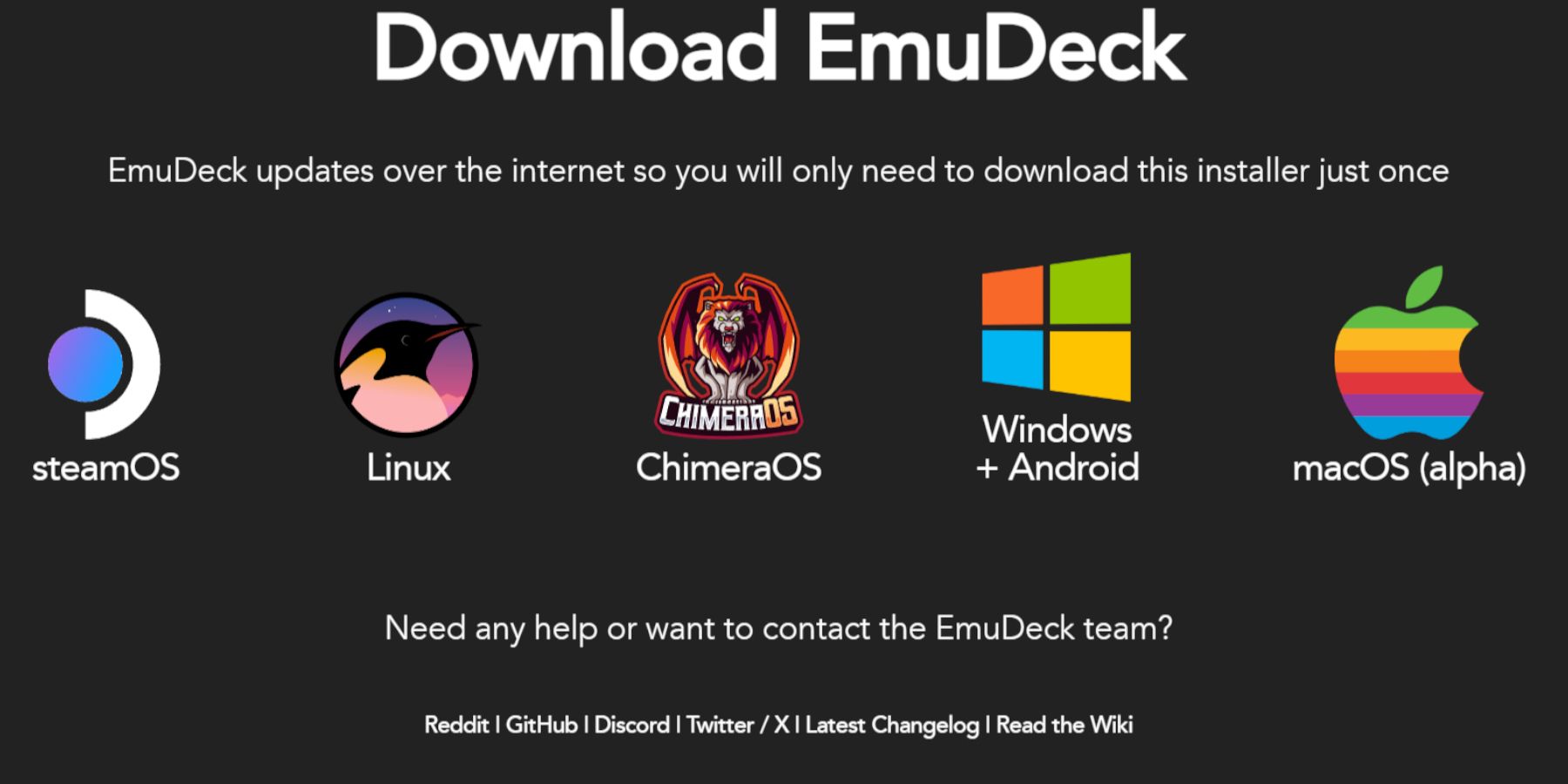 Download and install EmuDeck:
- Switch to Desktop Mode.
- Download EmuDeck from their website.
- Choose the SteamOS version and "Custom Install."
- Select your SD card as the primary installation location.
- Customize your installation (e.g., select emulators) and enable Auto Save.
- Complete the installation.
Quick Settings: In EmuDeck, enable AutoSave, Controller Layout Match, set Sega Classic AR to 4:3, and turn on LCD Handhelds.
Transferring Game Gear ROMs and Using Steam ROM Manager
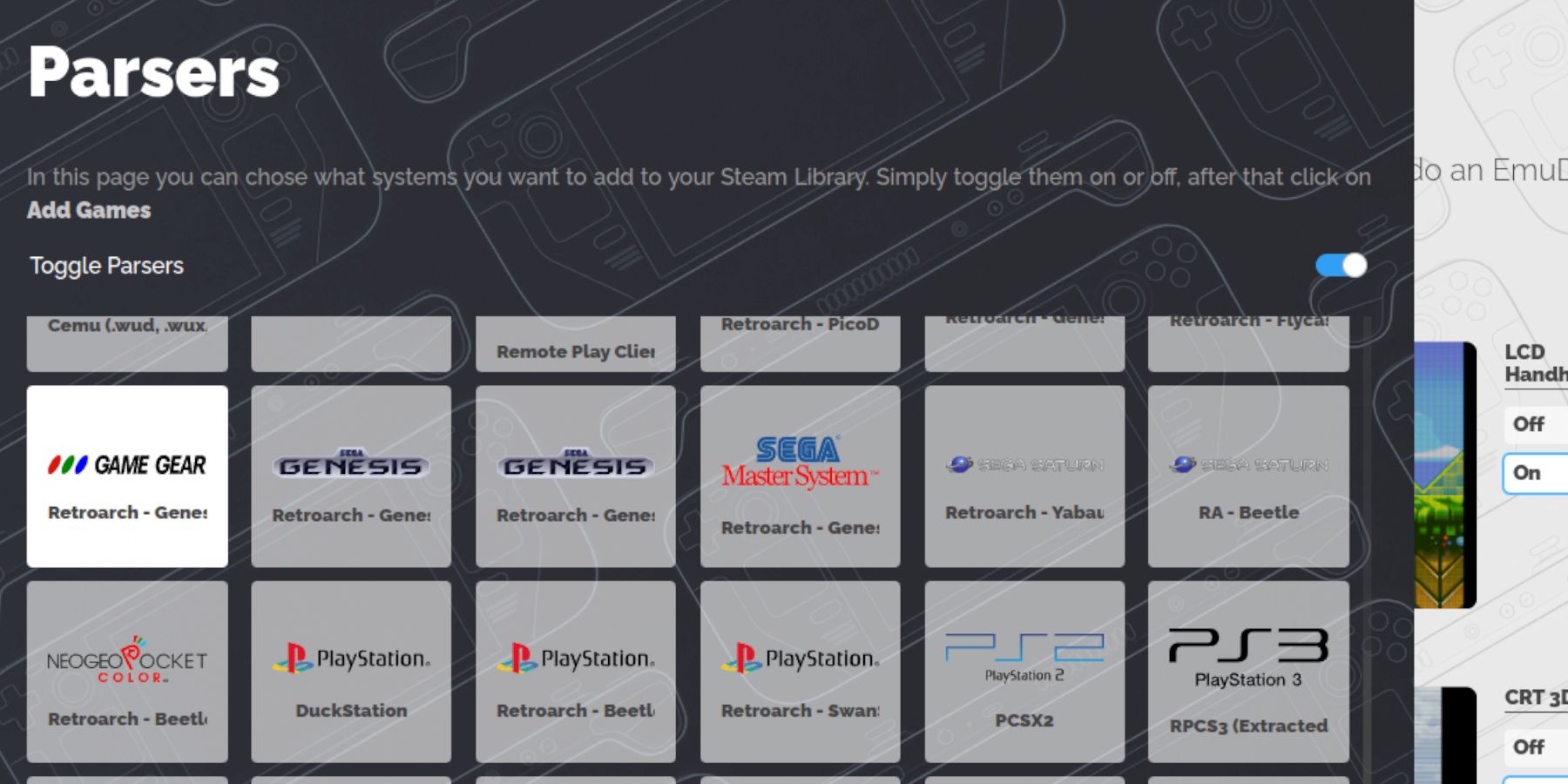 Add your games:
- Transfer your Game Gear ROMs to the
Emulation/ROMs/gamegearfolder on your SD card. - Open EmuDeck's Steam ROM Manager.
- Follow the prompts, selecting the Game Gear parser and adding your games.
- Verify artwork and save to Steam.
Fixing Missing Artwork in EmuDeck
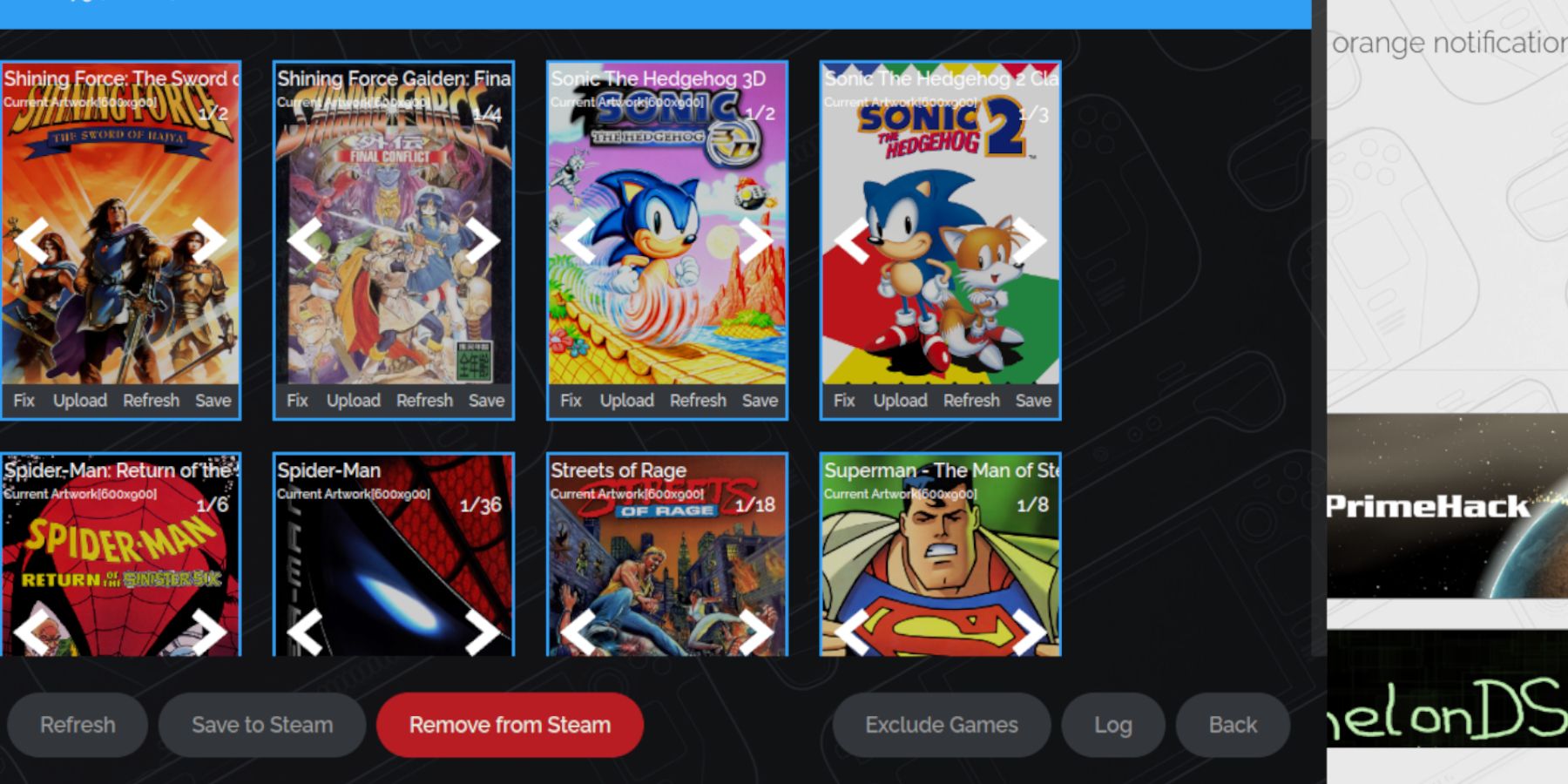 If artwork is missing or incorrect:
- Use the Steam ROM Manager's "Fix" function to search for artwork.
- Remove any numbers preceding game titles in ROM filenames, as this can interfere with artwork detection.
- Manually upload missing artwork via the Steam ROM Manager's upload function after saving the artwork to your Steam Deck's Pictures folder.
Playing Game Gear Games on the Steam Deck
Access your games:
- Switch to Gaming Mode.
- Open your Steam Library.
- Access the Game Gear collection.
- Select a game and play.
Performance Settings: To improve performance, enable per-game profiles and increase the frame limit to 60 FPS in the QAM (Quick Access Menu) > Performance settings.
Installing Decky Loader on the Steam Deck
 Install Decky Loader for enhanced control:
- Switch to Desktop Mode.
- Download Decky Loader from its GitHub page.
- Run the installer and choose the recommended installation.
- Restart your Steam Deck in Gaming Mode.
Installing the Power Tools Plugin
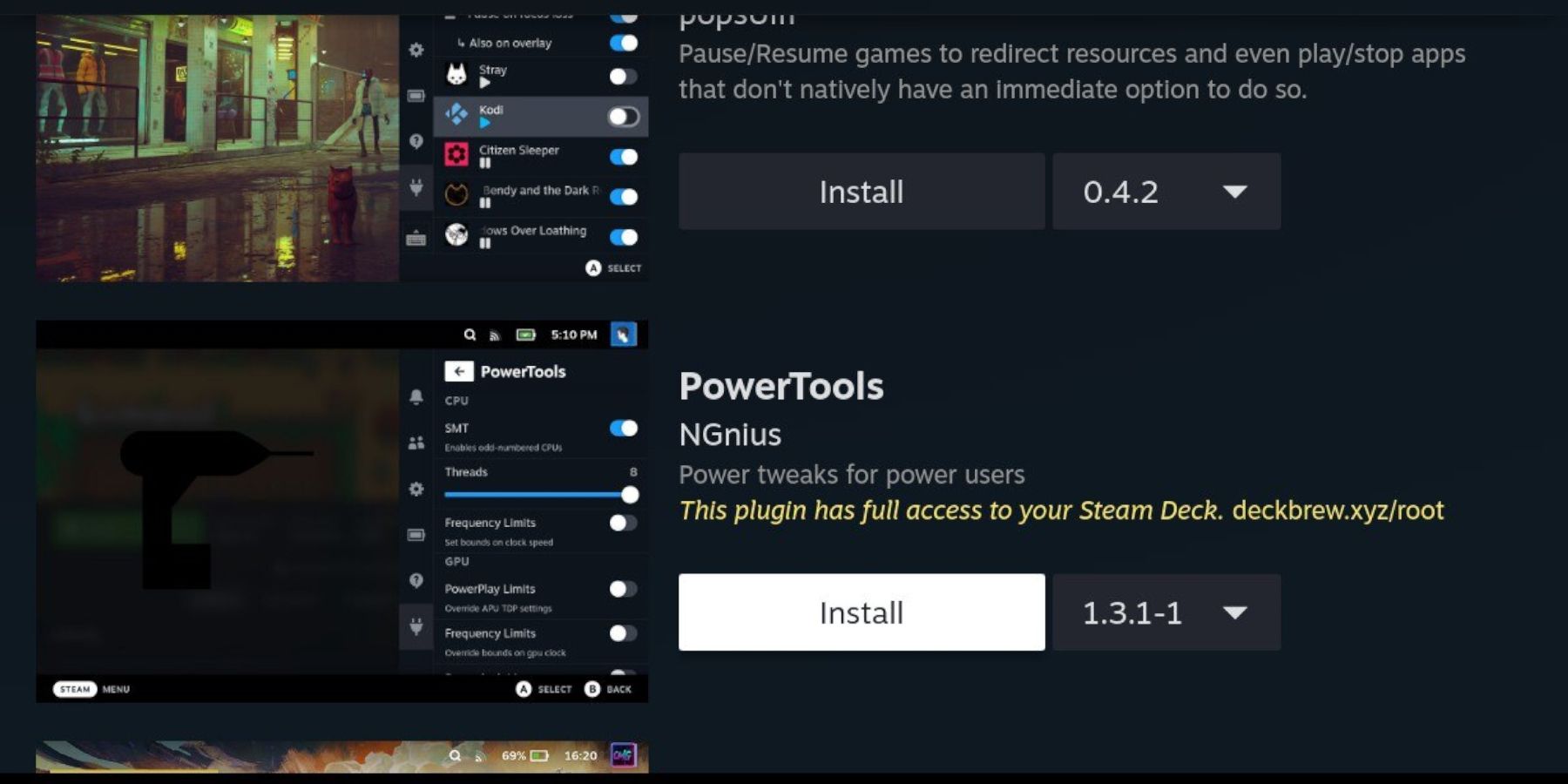 Install and configure Power Tools:
- Open the Decky Loader plugin store in Gaming Mode.
- Install the Power Tools plugin.
- In Power Tools, disable SMTs, set threads to 4, enable Manual GPU Clock Control, set GPU Clock Frequency to 1200, and enable per-game profiles.
Troubleshooting Decky Loader After a Steam Deck Update
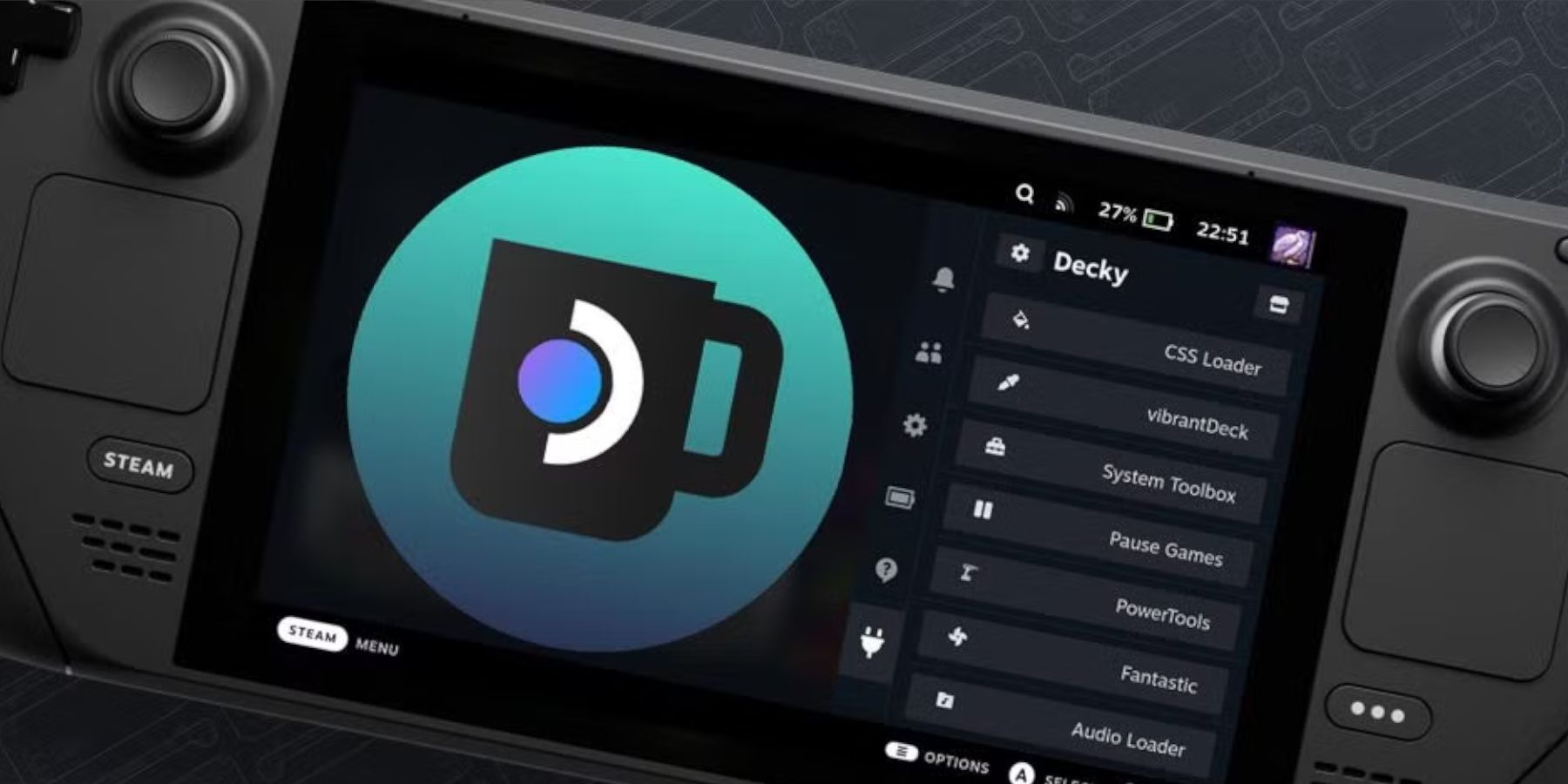 Restore Decky Loader after a SteamOS update:
- Switch to Desktop Mode.
- Reinstall Decky Loader from its GitHub page, selecting "Execute" (not "Open").
- Enter your sudo password.
- Restart your Steam Deck in Gaming Mode.
 Enjoy your Game Gear games on your Steam Deck!