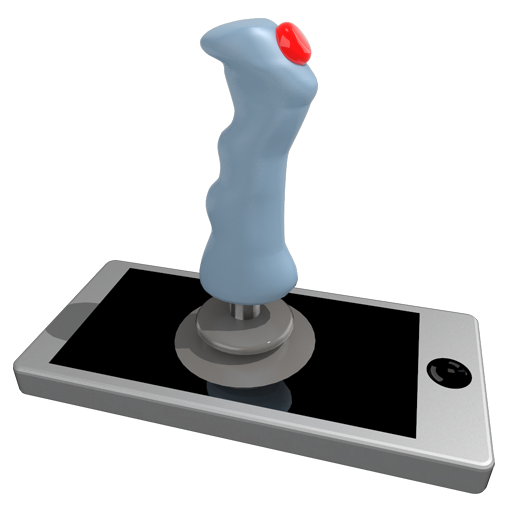
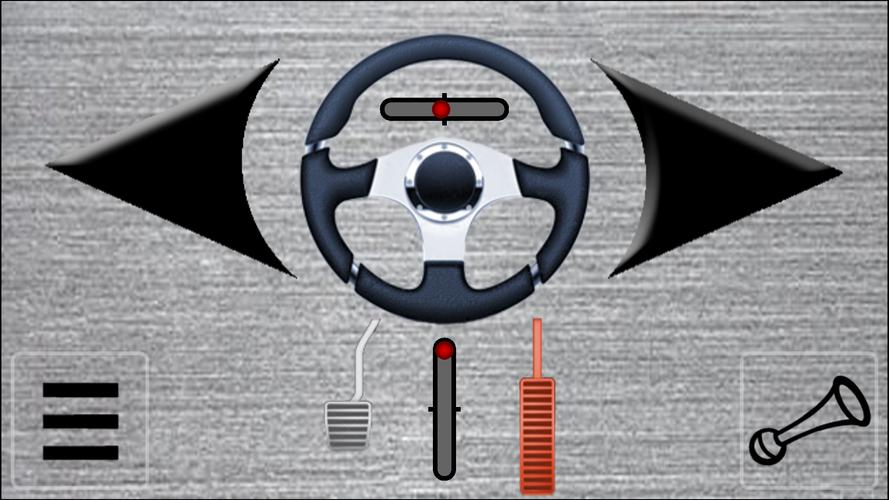
Transform your device into a joystick, steering wheel, gamepad, mouse, or keyboard for your PC.
Use your Android device as a joystick, steering wheel, gamepad, mouse, or keyboard for virtually any PC game.
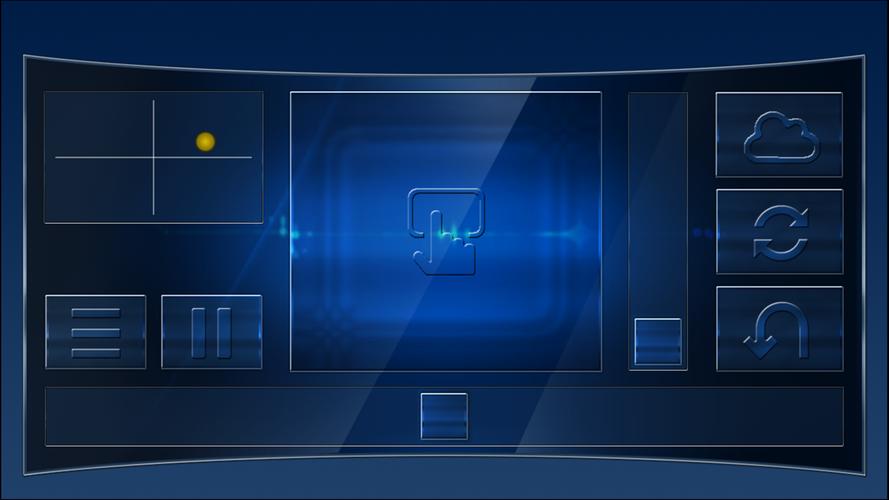
We offer pre-made controller skins for popular titles, including:
Red Bull Air Race Game
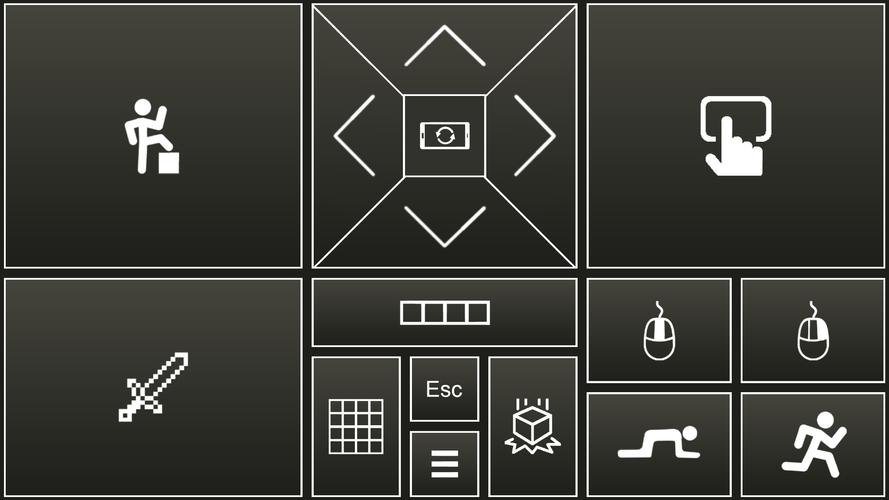
Minecraft
Counter-Strike
World of Tanks
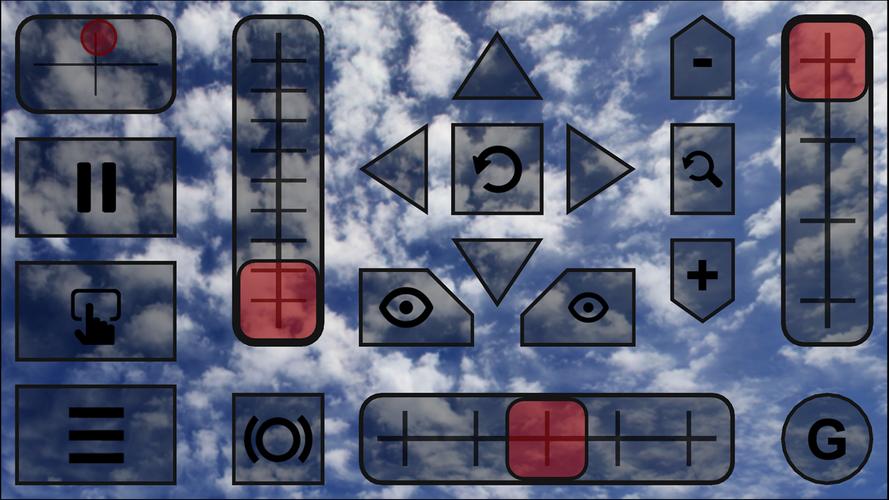
Microsoft Flight Simulator
and many more.
- The app emulates a real joystick, which your PC recognizes as a plug-and-play device.
- It also emulates a standard PC keyboard and mouse.
- All controller skins are fully customizable.
- You can design your own custom skins using XML, PNG, and MP3 files for any PC game.
Quick Start Guide:
- Install the PocketGamepad server on your PC. You can download it here:
http://www.pgpad.com/downloads/server/PocketGamepadSetup.exe
- Install the PocketGamepad app on your smartphone.
- Launch the PocketGamepad server on your PC.
- Launch the PocketGamepad app on your smartphone.
- Press Menu > Connect, then tap the Search button. Once the app finds the server, press the Connect button.
Selecting a Skin
- Go to Menu > Skins (Games)
- Choose your desired skin and press the Play button.
Customizing a Skin
- Select a skin.
- Press Menu > Edit Skin.
- Tap the button you wish to customize.
- Go to Menu > Save As.
- Finally, press Menu > Finish Editing.
For the controls to work, ensure the PC game is in focus and not running in the background.
Skin XML Schema Documentation:
http://www.pgpad.com/downloads/doc/xml_schema.pdf
What's New in Version 3.7
Added a Counter-Strike skin
Added a World of Tanks skin
Refactored all existing skins
Improved connection stability
Menu button now shows WiFi signal strength
Added multiplayer support
Redesigned menu interface




![Business of Loving [v0.12.5i] [Dead End Draws]](https://images.lgjyh.com/uploads/18/1719555107667e5423ef803.jpg)