Ever found yourself lost with no cellphone signal? With our offline maps, you can easily locate yourself, search for places, and get accurate, turn-by-turn driving directions to navigate safely back home. No need to worry about connectivity issues; our app ensures you're never truly lost.
Planning a holiday? Search offline and effortlessly find nearby hotels, restaurants, and other points of interest during your trips. Our app streamlines your travel planning with precise ETA, real-time weather updates, and the ability to add multiple waypoints, making your journey smoother and more enjoyable.
Whether you're driving, biking, cycling, or walking, have peace of mind with our app by your side. Offline Map Navigation serves as your reliable backup, ready to assist whenever you need it most.
Key Features:
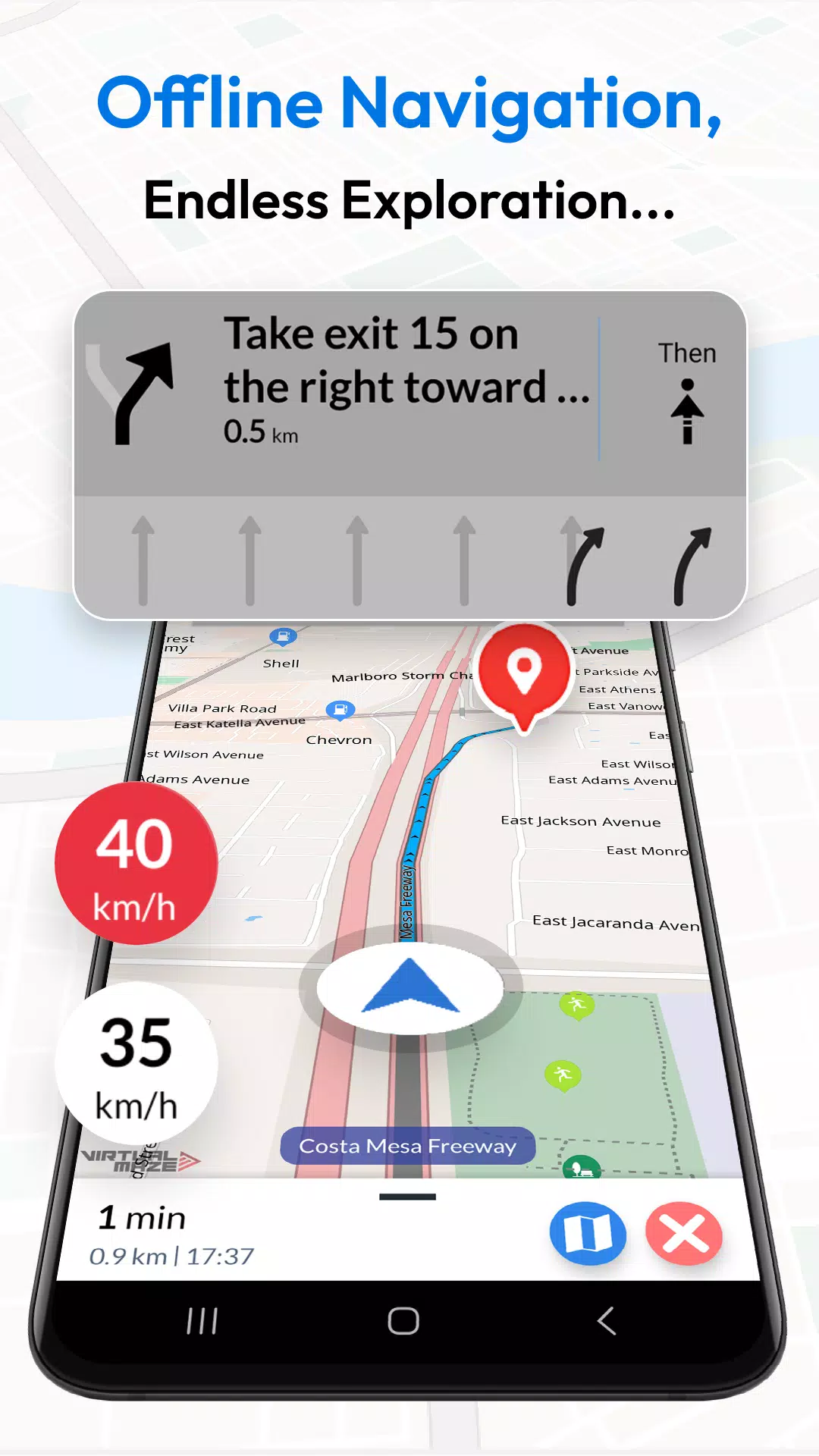
- Turn-by-Turn Navigation: Receive clear route instructions to your destination.
- Multiple Modes: Find the fastest routes tailored for cars, motorbikes, bicycles, or walking.
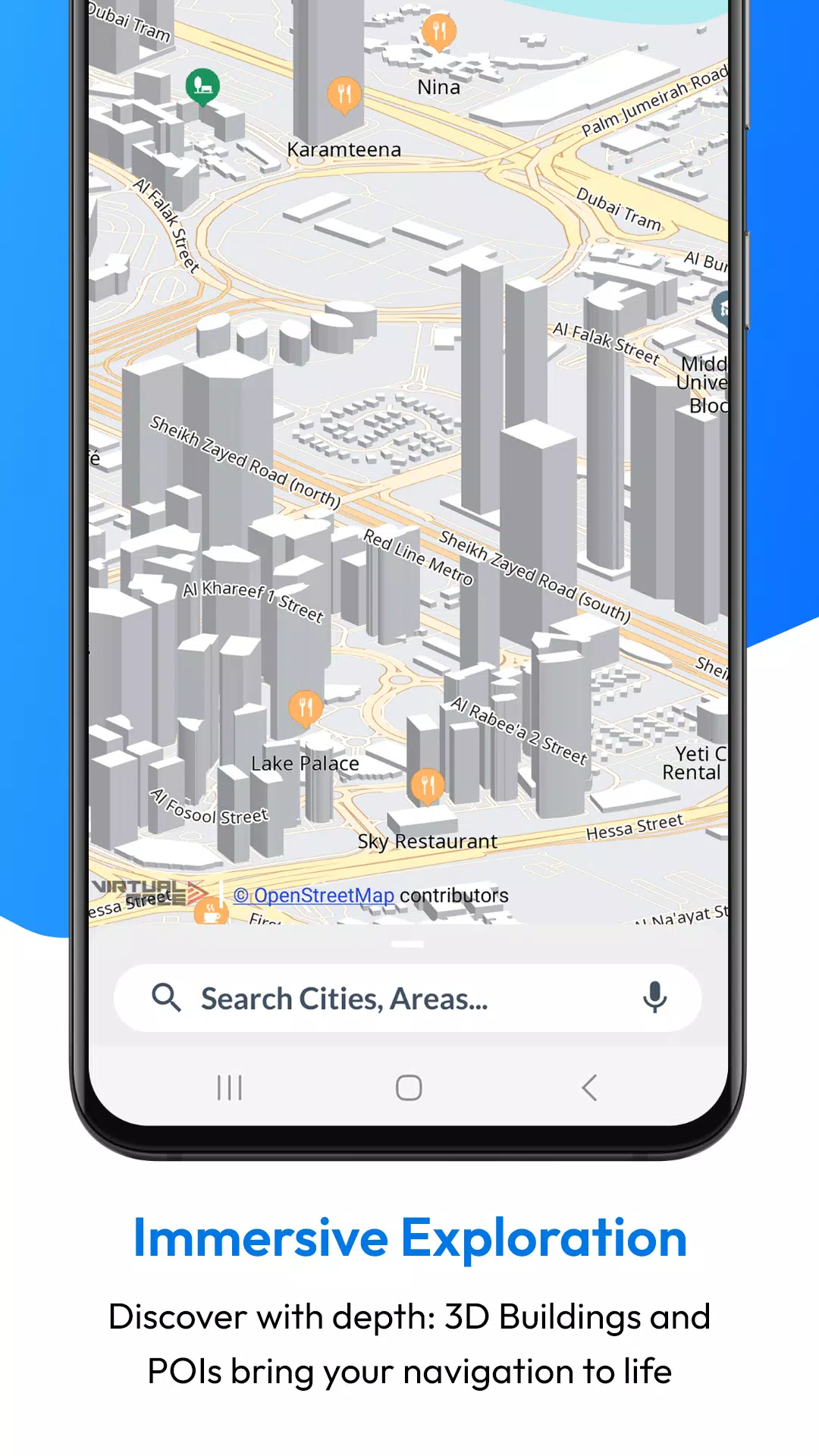
- Offline Points of Interest: Locate nearby hotels, restaurants, hospitals, ATMs, banks, charging stations, and shopping places without an internet connection.
- Junction View: Navigate complex intersections with ease.
- Voice Guidance: Get accurate voice instructions in multiple languages.
- Lane Guidance: Receive clear information on turn lanes.
- EV Routing: Includes charging station information for electric vehicles.
- Weather Updates: Stay informed with real-time weather details for your location.
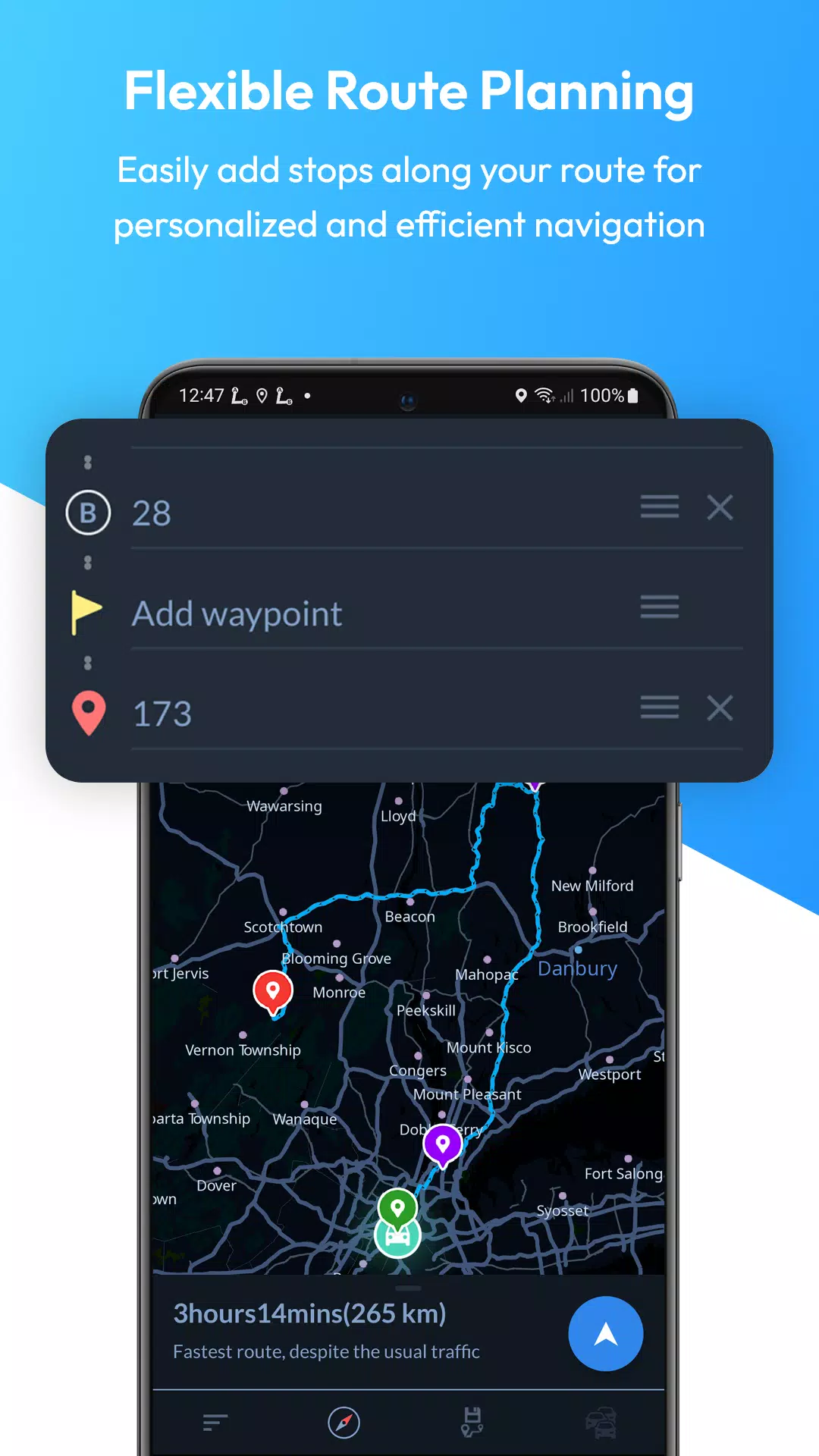
- Multi-Stop Routes: Add multiple waypoints for optimized paths and precise ETA.
- Automatic Rerouting: Stay on track with instant rerouting.
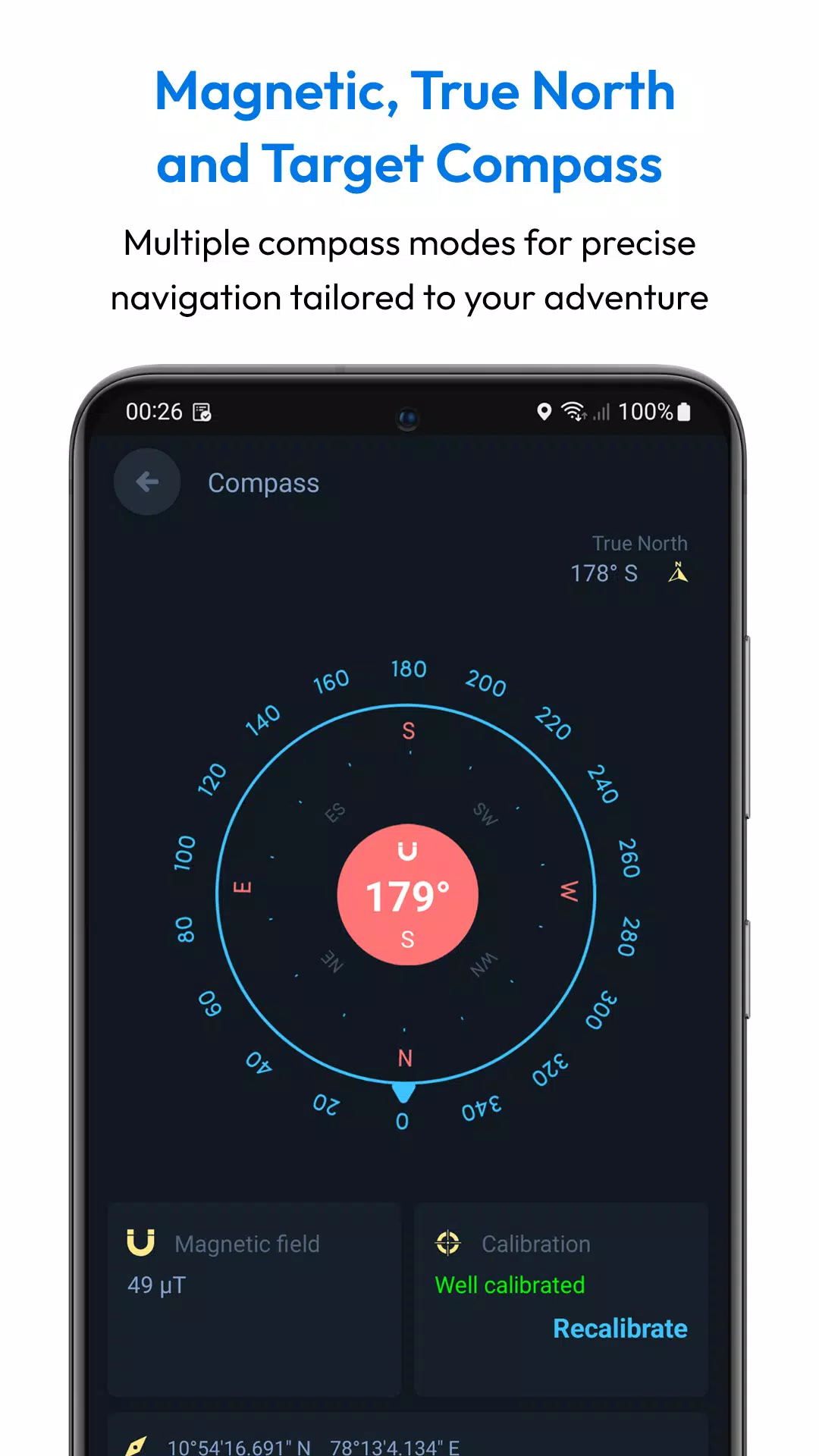
- Target Compass: Navigate directly to any destination with precision.
- Alternative Routes: Choose from multiple route suggestions.
- Share Routes: Easily share route instructions with others.
- Save Locations: Save your favorite locations for quick access.
- Fast GPS: Enjoy quick GPS updates for real-time navigation.
- Day and Night Modes: Clear maps for any time of day.
- Downloadable Maps: Use maps offline without any internet connection.
- Offline Search: Find locations and addresses without internet access.
- Over-speed Alerts: Stay safe with speed alerts.
- Local Events: Discover local events happening around you.
- User-Created Attractions: Explore attractions created by other users.
- Full Offline Functionality: All features work both online and offline.
Why Choose Offline Map Navigation?
- Save on Roaming Charges: Use offline maps to save money on data usage.
- Efficient Travel Planning: Save locations, add waypoints, and find optimized routes for your journey.
- Share Trip Plans: Easily share your trip details with friends and family.
- Multi-Language Support: Available in various languages to cater to a global audience.
- Comprehensive Coverage: Access maps and navigation for various regions worldwide.
- User-Friendly Interface: Enjoy an intuitive and easy-to-use interface.
- Regular Updates: Benefit from regular updates and improvements to the app.
- High Accuracy: Depend on precise and reliable navigation.
- Customization Options: Personalize your navigation experience with various settings.
- Community Contributions: Explore user-generated content and local insights.
- Privacy Focused: Navigate securely with a focus on privacy.
Wear OS Integration:
Synchronize with your Wear OS smartwatch for seamless turn-by-turn navigation on your wrist.
Steps to Use Wear OS Support:
- Install the app on both your Android device and Wear OS smartwatch.
- Open the app on both devices and complete the setup process.
- Start navigation on your mobile device.
- Receive navigation instructions on your Wear OS device.
Disclaimer:
Offline Map Navigation is a GPS-based app that uses your location while using the app or all the time, even in the background, for accurate positioning and navigation guidance.