Home News How to Pair PS5 Controller to PC

How to Pair PS5 Controller to PC

Author : Sadie Update:Mar 22,2025

The Sony DualSense is widely considered the best PS5 controller, thanks to its innovative features, comfortable grip, and ergonomic design. This makes it a fantastic choice for PlayStation 5 gaming. However, connecting it to a PC might seem daunting, especially considering the challenges faced with the DualShock 4. Fortunately, the DualSense boasts significantly improved PC compatibility, earning its place among the best PC controllers available. Let's explore how easy it is to connect.
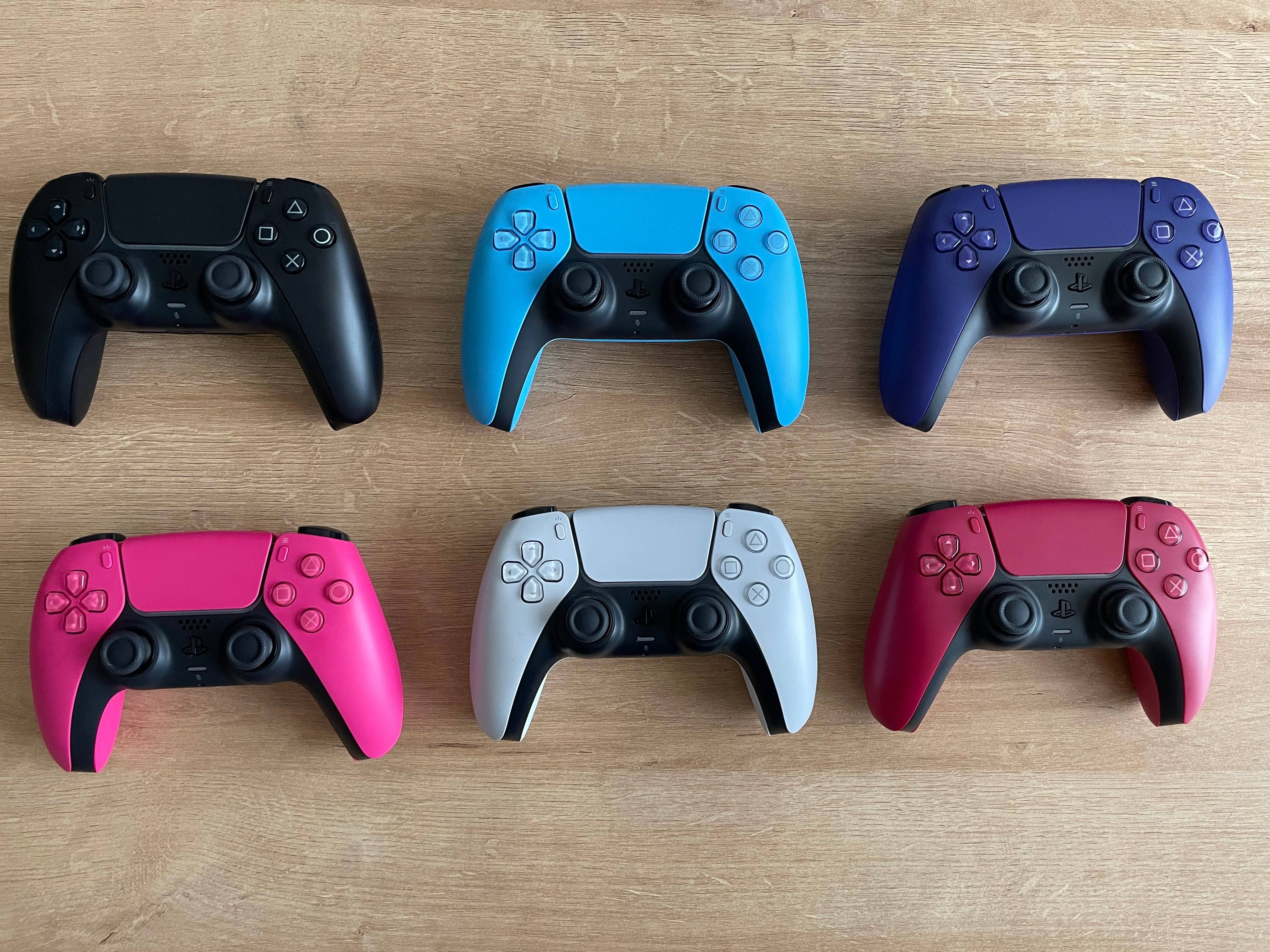
PS5 Controller and PC Setup

Items Needed to Connect Your PS5 Controller to Your PC:

  • A data-capable USB-C cable (some cheaper cables only provide power).
  • A Bluetooth adapter for your PC (if your PC lacks built-in Bluetooth).

Connecting your DualSense to your PC might require some preparation. Since the DualSense doesn't include a USB cable, and not all PCs have Bluetooth, you'll need either a data-capable USB-C cable (C-to-C for USB-C ports, or C-to-A for standard USB ports) or a Bluetooth adapter. Many Bluetooth adapters are available, offering either PCIe installation or USB connectivity.
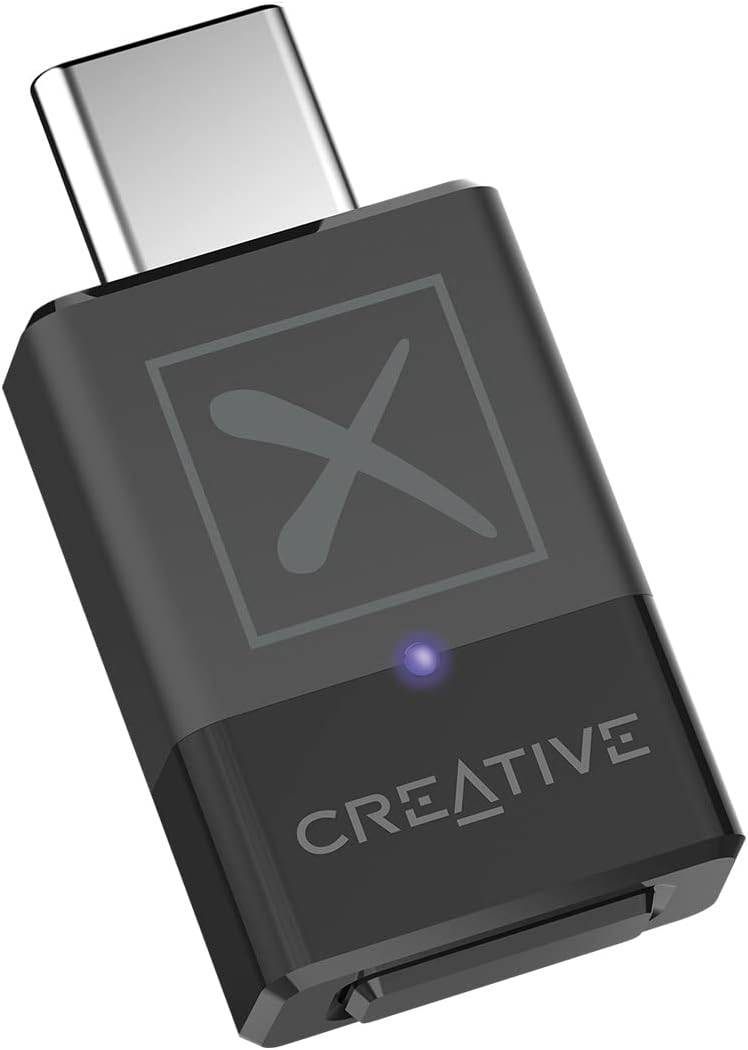
Creative BT-W5 Bluetooth Transmitter

Our Top Pick: Creative BT-W5 Bluetooth Transmitter (See it on Amazon)

Connecting Your PS5 Controller to Your PC via USB:
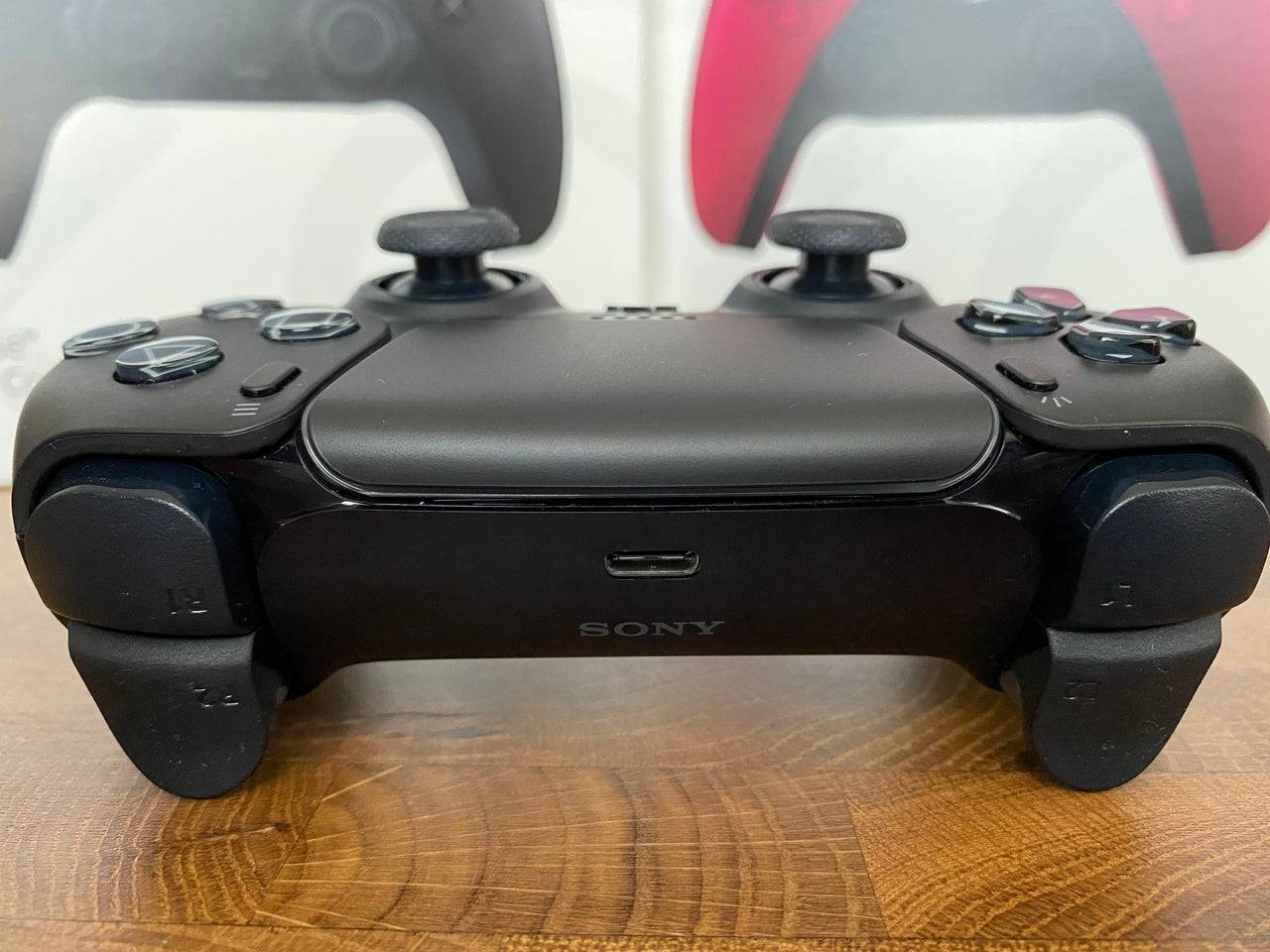
Connecting via USB
  1. Plug your USB cable into an available port on your PC.
  2. Connect the other end of the cable to the USB-C port on your DualSense controller.
  3. Wait for your Windows PC to recognize the DualSense controller as a gamepad.
Controller Recognized

Connecting Your PS5 DualSense Controller to Your PC via Bluetooth:

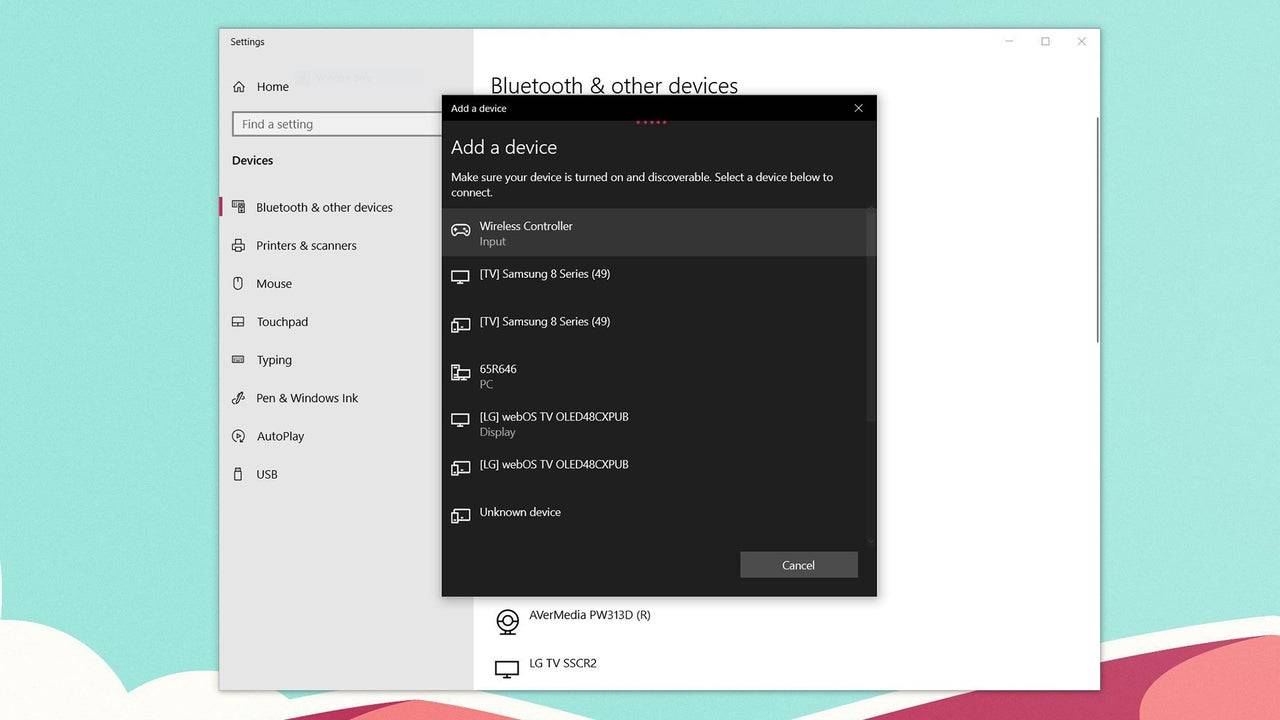
  1. Access your PC's Bluetooth settings (Press the Windows key, type "Bluetooth," and select Bluetooth & other devices).
  2. Select Add Bluetooth or other device.
  3. Choose Bluetooth from the pop-up window.
  4. With your DualSense controller powered off, press and hold the PS button and Create button simultaneously until the light bar under the touchpad begins to blink.
  5. Select your DualSense controller from the list of available Bluetooth devices on your PC.

Trending Games More +
Latest Games More +
Adventure | 178.4 MB
Collect powerful Heroes and join the Dog Revolution today!From the creators of Castle Cats, Dungeon Dogs is an idle RPG where you can battle enemies, build your base, collect resources, and craft items—all directly from your mobile device.Join rebel
Word | 34.6 MB
Enjoy a fast-paced sketching game for fun doodles! Online drawing charades where you draw and guess.Pictionic Draw & Guess Online: The Ultimate Digital Sketching and Charades Adventure!Unleash your imagination with this engaging online drawing game,
Strategy | 121.03MB
Play Spider Rope Hero and embark on heroic rescue missions in this thrilling superhero game.Become Spider Rope Hero and experience grand adventures in this immersive spider game. Showcase lightning-fast flying abilities with your superhero powers dur
Educational | 100.6 MB
Build your cake empire, starting with the management of your very own bakery.Embark on your journey to become the world's finest bakery master and establish a formidable cake empire by running your first shop. With a steady stream of customers visiti
Action | 752.80M
In Gun War Z2, players embark on a global rescue mission to save survivors from zombie attacks. Your objective is to deploy helicopters to evacuate trapped villagers and bring them to safety. Equipped with powerful firearms, you must eliminate the u
Action | 6.67M
Step into the role of a notorious telepathic villain in Fallen Hero: Rebirth. This gripping text-based adventure lets your choices define the story as you navigate alliances and rivalries. The Mod Menu version unlocks enhanced gameplay with exclusiv
Topics More +
Mar 04,2025 A total of 10
More
Feb 27,2025 A total of 10
More