Quick Links
The Steam Deck is a powerhouse of versatility, catering to gamers and portable PC enthusiasts alike. Beyond its primary function of running your favorite games, the Steam Deck's desktop mode opens up a world of possibilities, including the ability to access internal storage files remotely. Given its Linux-based operating system, the Steam Deck supports Secure Shell (SSH), a protocol that allows for secure and remote data access. However, many users are unsure how to harness this feature. This comprehensive guide will walk you through the process of enabling and using SSH on your Steam Deck, providing you with all the essential information you need.
Steps For Enabling SSH On The Steam Deck
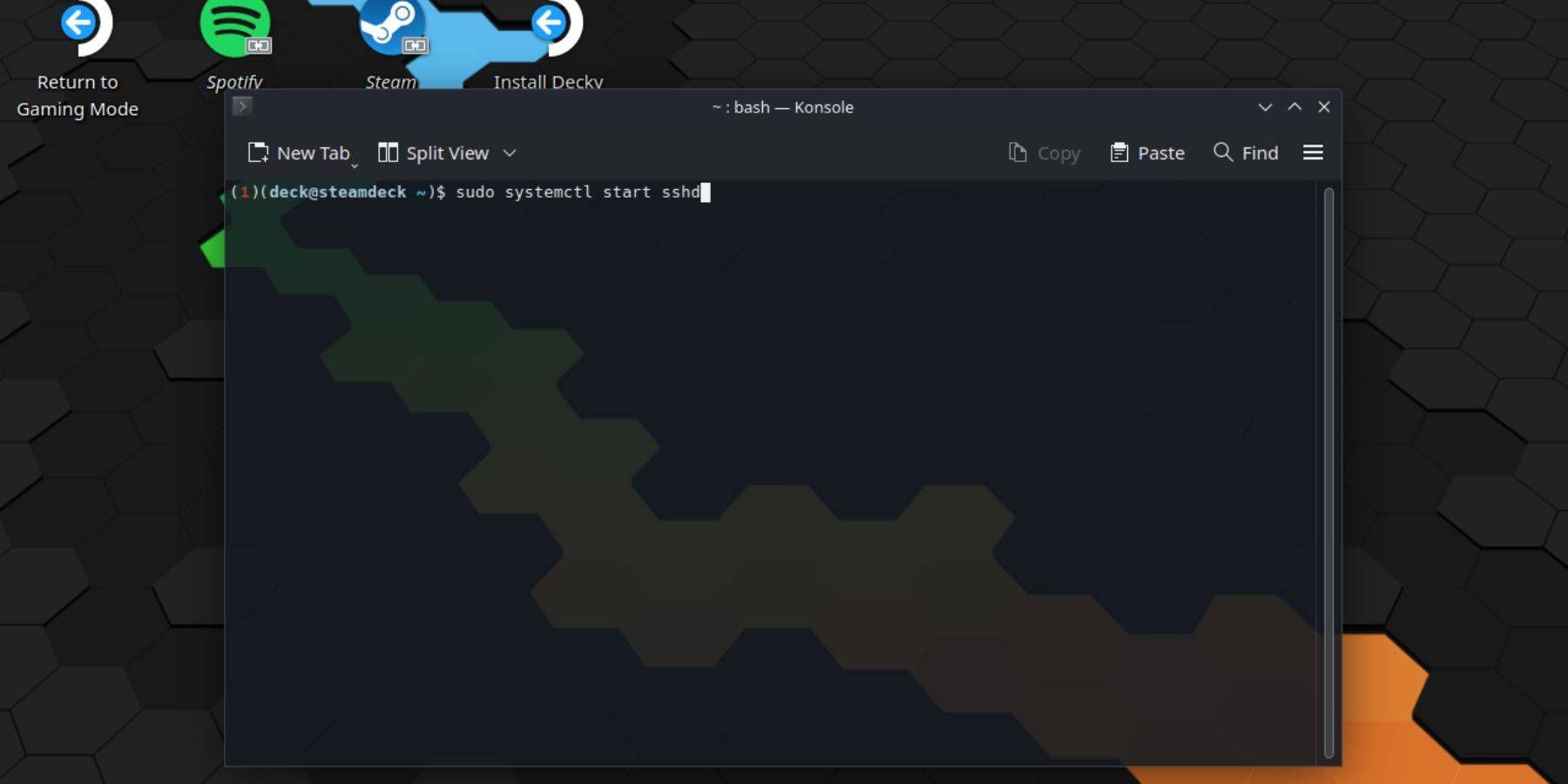
To enable SSH on your Steam Deck, follow these straightforward steps:
- Power on your Steam Deck.
- Press the Steam button.
- Navigate to Settings > System > System Settings > Enable Developer Mode.
- Press the Steam button again.
- Select Power > Switch to Desktop Mode.
- Open the Konsole from the Start menu.
- Set a password if you haven't already by entering the command:
passwd. Follow the prompts to set your password. - Enable SSH by entering the following command:
sudo systemctl start sshd. To ensure SSH starts automatically after reboots, enter:sudo systemctl enable sshd. - Once SSH is enabled, you can now access your Steam Deck's data remotely using any third-party SSH client.
Important: Be cautious not to delete or move system files, as this can lead to OS corruption.
How To Disable SSH On The Steam Deck
If you need to disable SSH on your Steam Deck, here's what you should do:
- Access the Konsole from the Start menu.
- Enter the command to disable SSH:
sudo systemctl disable sshd. If you need to stop SSH immediately, use:sudo systemctl stop sshd.
How To Use SSH To Connect To The Steam Deck

With SSH enabled, you can utilize third-party applications for remote data access. For instance, you can use Warpinator by installing it on both your Steam Deck and your PC, then launching them simultaneously. This makes transferring data between devices incredibly easy.
If you're using a Linux PC, you don't need a third-party application. Simply access your file manager and enter sftp://deck@steamdeck in the address bar. You'll then need to enter the password you previously set to establish the connection.