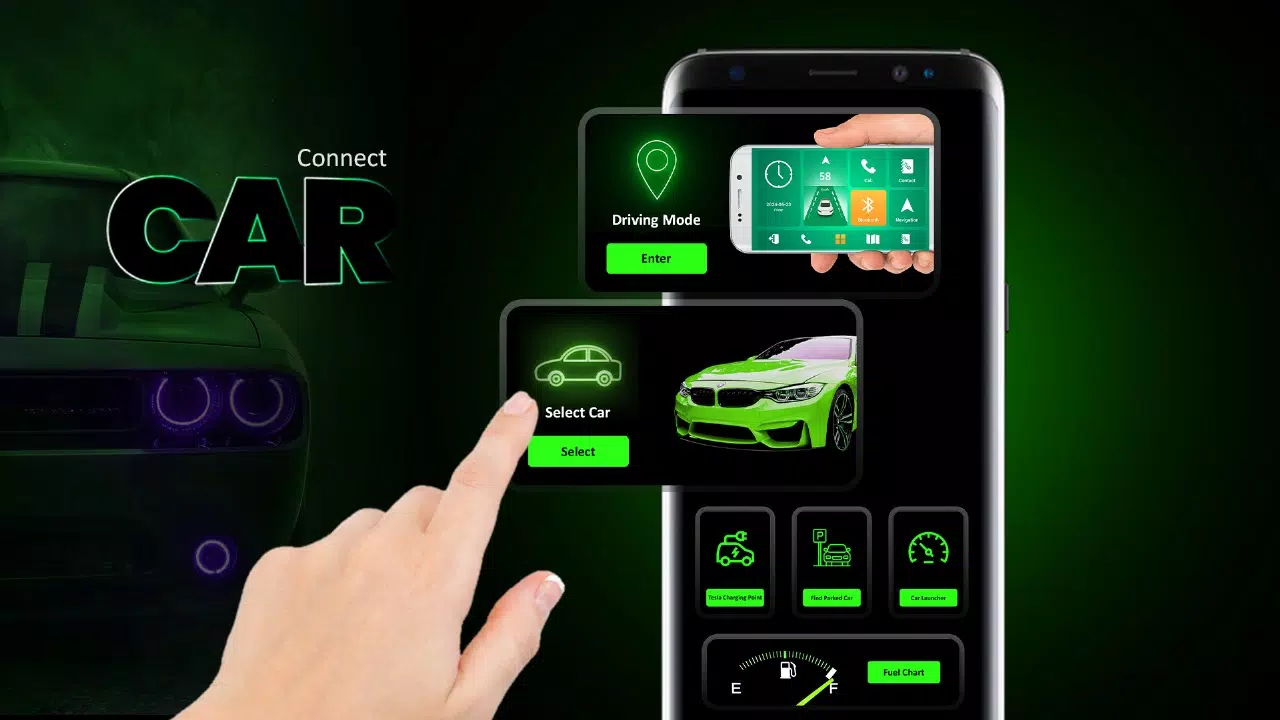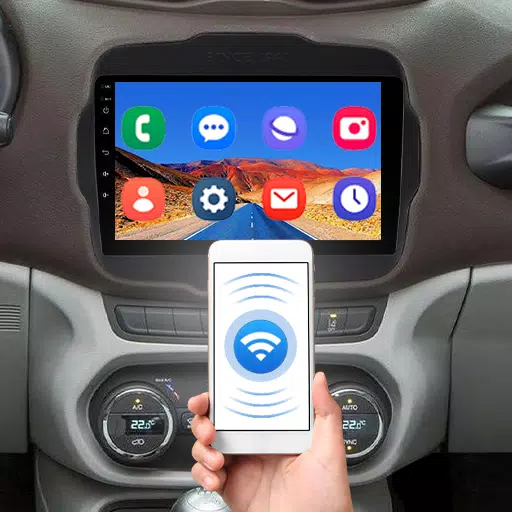
Car Driving Mode & Launcher provides quick app access for a safer, more focused driving experience.
The Car Play for Android/Auto Sync app simplifies connecting your smartphone to your car's dashboard. This Android car play app integrates your phone with the vehicle's infotainment system, promoting safer driving. Effortlessly access maps, navigation, and calls directly from your car's display. By mirroring phone features onto the dashboard, you can view Maps, Contacts, weather, time, and manage calls. If you're familiar with the seamless integration of Apple CarPlay or Android Auto, our Car Play for Android/Auto Sync offers a similarly intuitive and user-friendly interface.
Android users can enjoy the core benefits of Apple CarPlay or Android Auto with our Car Play for Android/Auto Sync app. Our solution is designed to enhance the driving experience, whether you typically use Apple CarPlay or Android Auto. The app is fully compatible and beneficial for users of either platform.
Key Features of Car Play for Android/Auto Sync
1.Car Driving Mode:
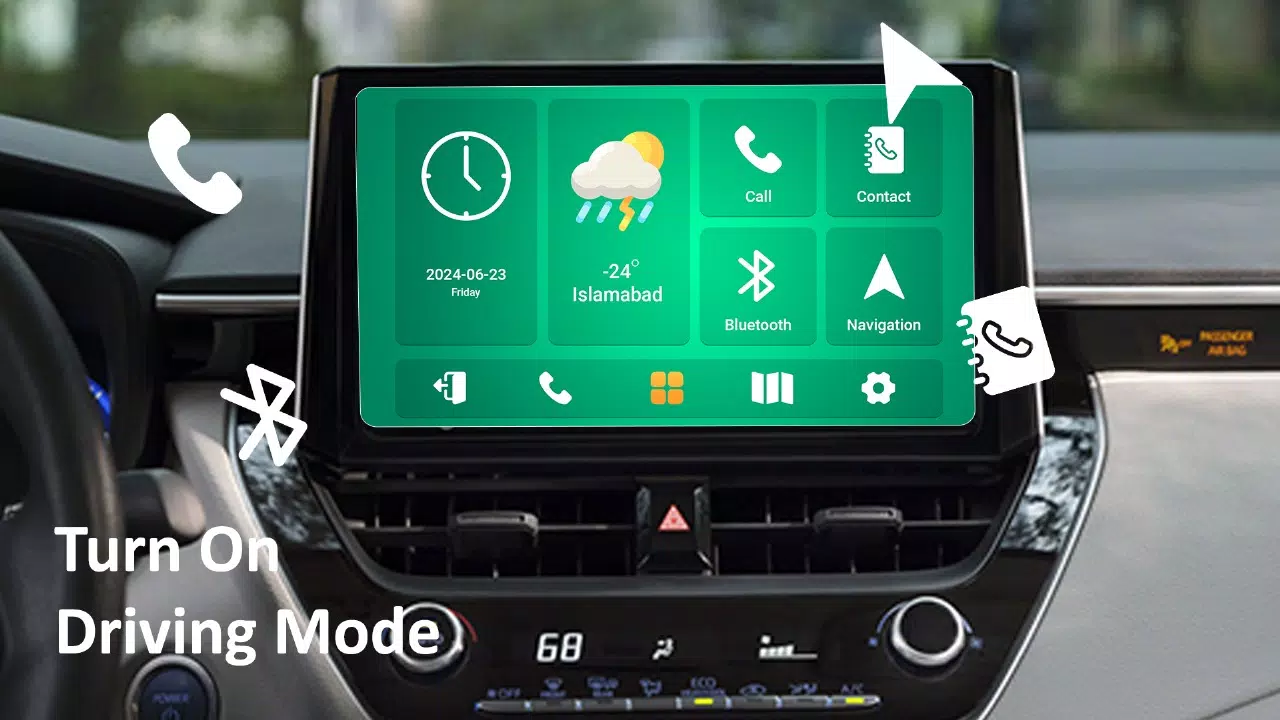
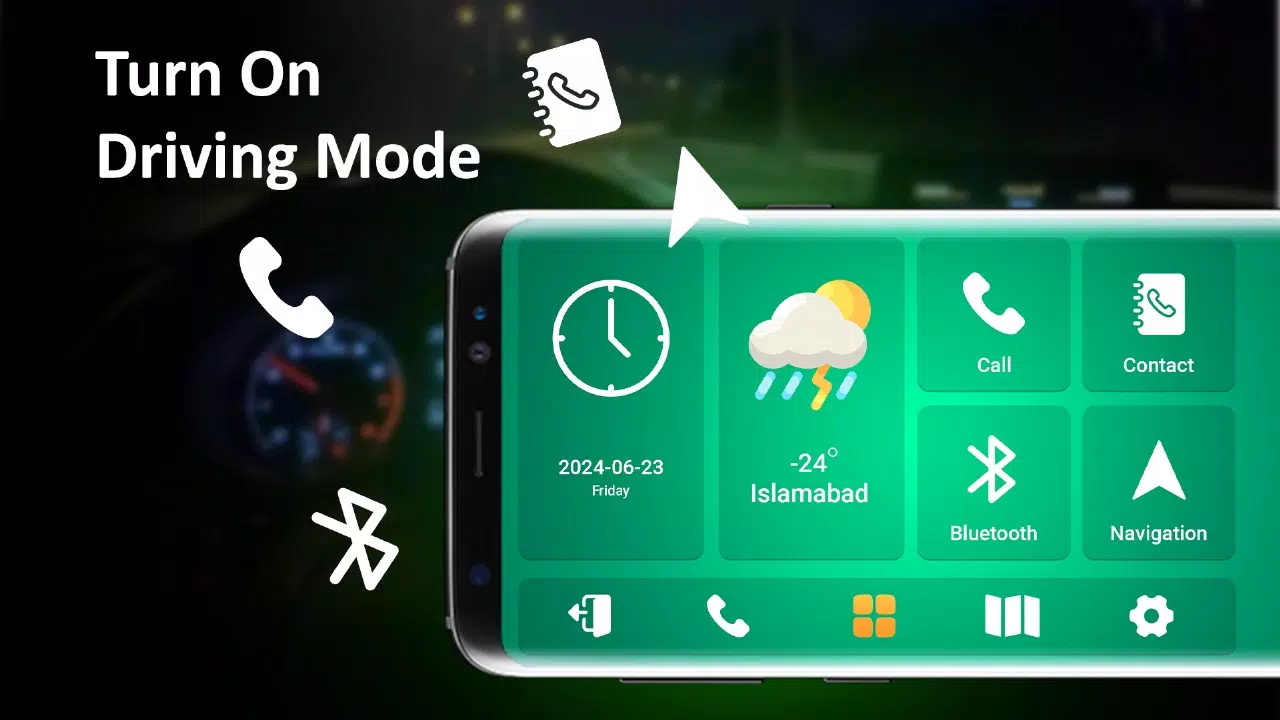
Stay connected and informed by integrating phone features into your car dashboard. Use Driving Mode to access contacts, make calls, and utilize maps. The dashboard displays the current date and time. You can also track your vehicle's speed using the integrated speedometer widget in the Driving Mode.
2. Car Parking Map:
Our app includes a car parking feature that lets you save your parking location. Use maps to navigate back, manage your parking history, and locate your parked car with a single click.
3. Fuel Chart Tracker:
Track fuel consumption for individual trips and monitor monthly usage. Input trip details like distance traveled and local fuel prices to calculate total trip costs.
4. Car Launcher
The Car Launcher feature provides access to real-time data such as time, temperature, and speed for various car models including BMW i8 Spyder, Chevrolet Spark, Volvo Concept Estate 2014, Audi Quattro 2014, and BMW 7 Sport Mode. This feature delivers vital vehicle data to your dashboard, allowing you to easily monitor speed with the built-in speedometer. The Car Launcher works with any car to display real-time speed data.
5.Tesla Charging Station:
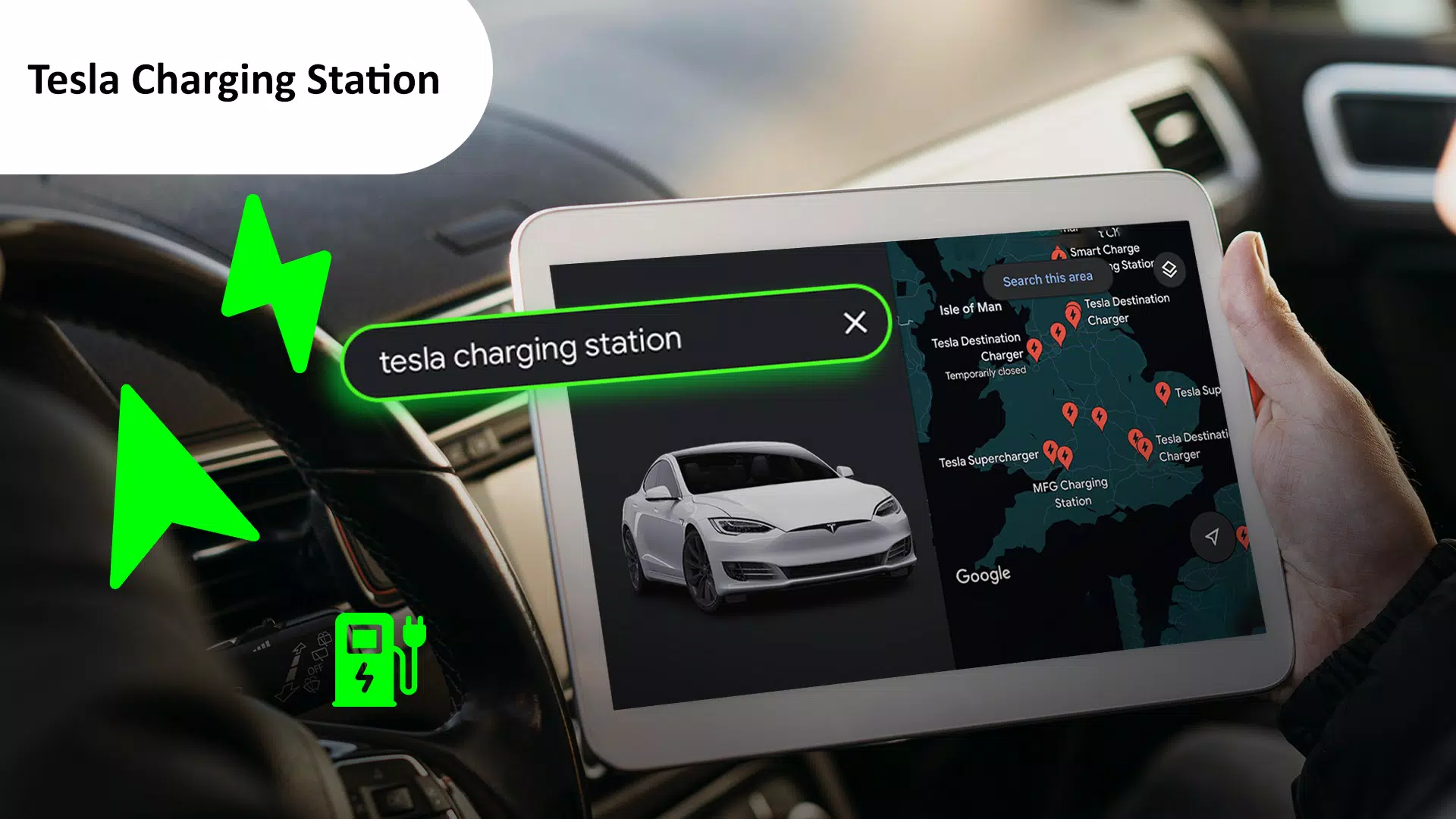
The new Tesla Charging Station feature helps you locate nearby Tesla charging stations directly from your car dashboard. View all station locations on a map to quickly find the closest one to you.
Download Car Play for Android/Auto Sync to stay focused and enhance your safety on the road!
What's New in the Latest Version 1.11
Last updated on Oct 11, 2024
Minor bug fixes and improvements. Install or update to the newest version to check it out!